 Ananya Dixit · February 19, 2026 · 4 min read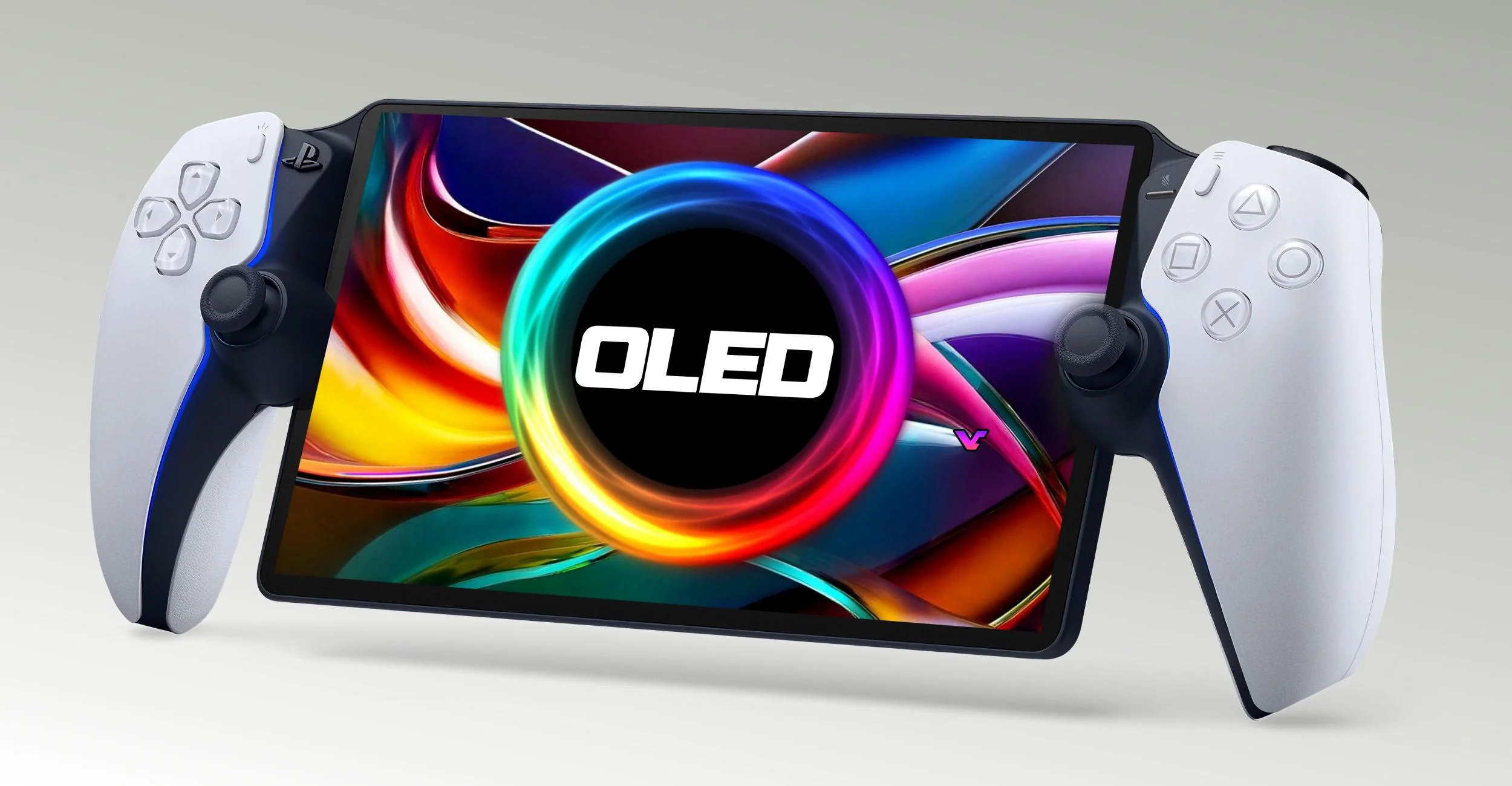
Since the launch of PlayStation Portal in 2023, it has become a prominent accessory for users of PlayStation 5. The Portal allows users to stream PS5 games using a Wi-Fi network on an 8-inch 1080p screen.
Though the PlayStation Portal’s screen display and DualSense controls offer an impressive remote experience, Sony might launch a revised model in 2026, which includes a faster refresh rate and an OLED screen. These speculations are being circulated by gaming outlets and hardware manufacturers. Moreover, gamers are wondering whether to wait for the update or not.
In this article, we will walk you through the five appealing reasons that might hold you off until Portal Pro arrives in 2026.
1. Massive Upgrade in Display
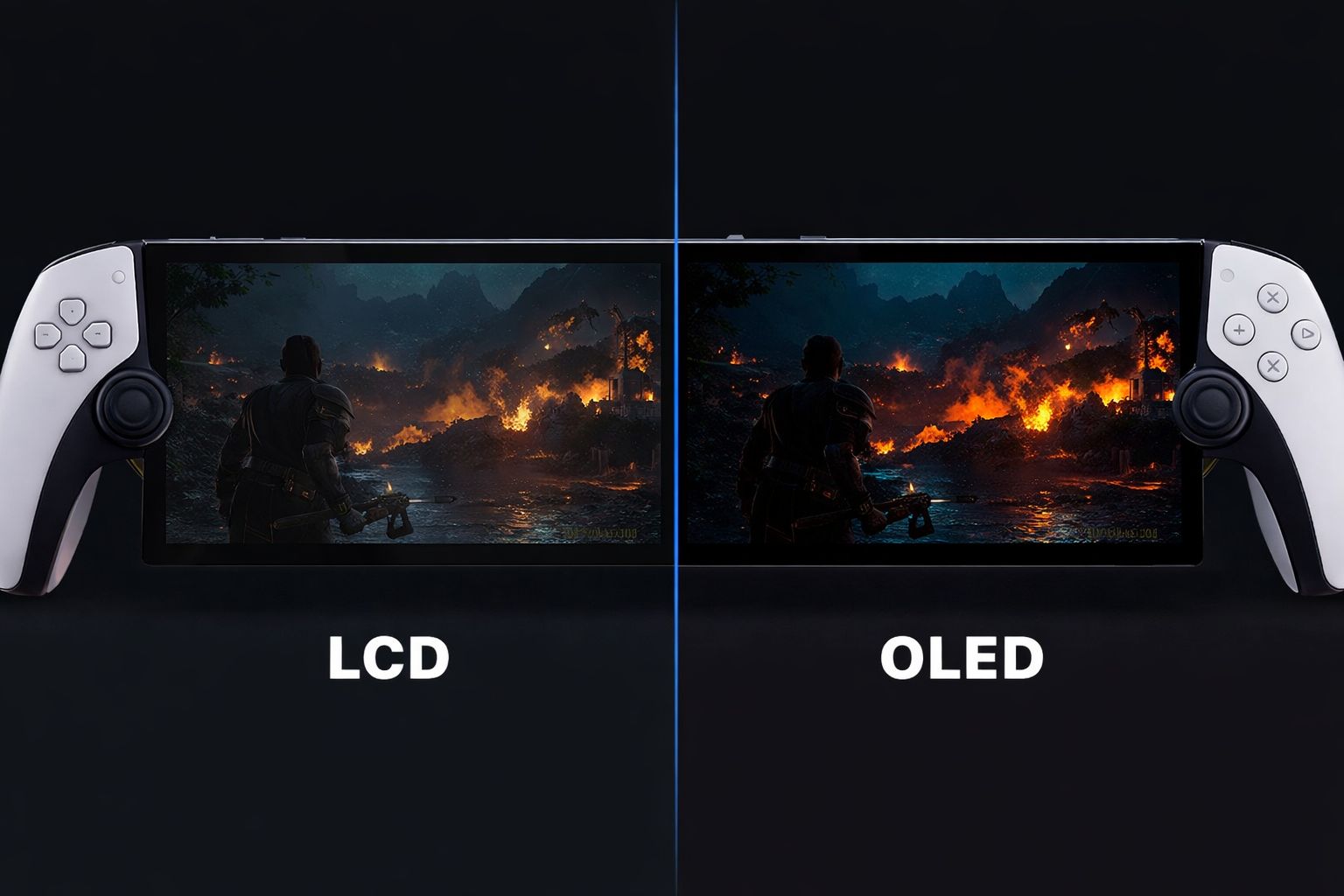
The most popular rumor that is driving the craze to wait for the refresh is the transition from LCD to OLED technology. Currently, the Portal’s 8-inch 1080p LCD panel, which works at 60 Hz, cannot match the depth of color and contrast of OLED. Furthermore, OLED technology offers vibrant colors with rich visual effects at better viewing angles. It also provides superior performance and a dramatically higher resolution.
With the use of OLED screens, the darker parts of the game can be displayed as genuinely dark because OLED panels light each pixel separately. This feature is specifically designed for cinematic games with moody environments. Some examples are Ghost of Tsushima, Resident Evil, and God of War.
So, in simple terms, if you are a gaming enthusiast and care about visual immersion, OLED can be a game-changer.
2. Higher Refresh Rate
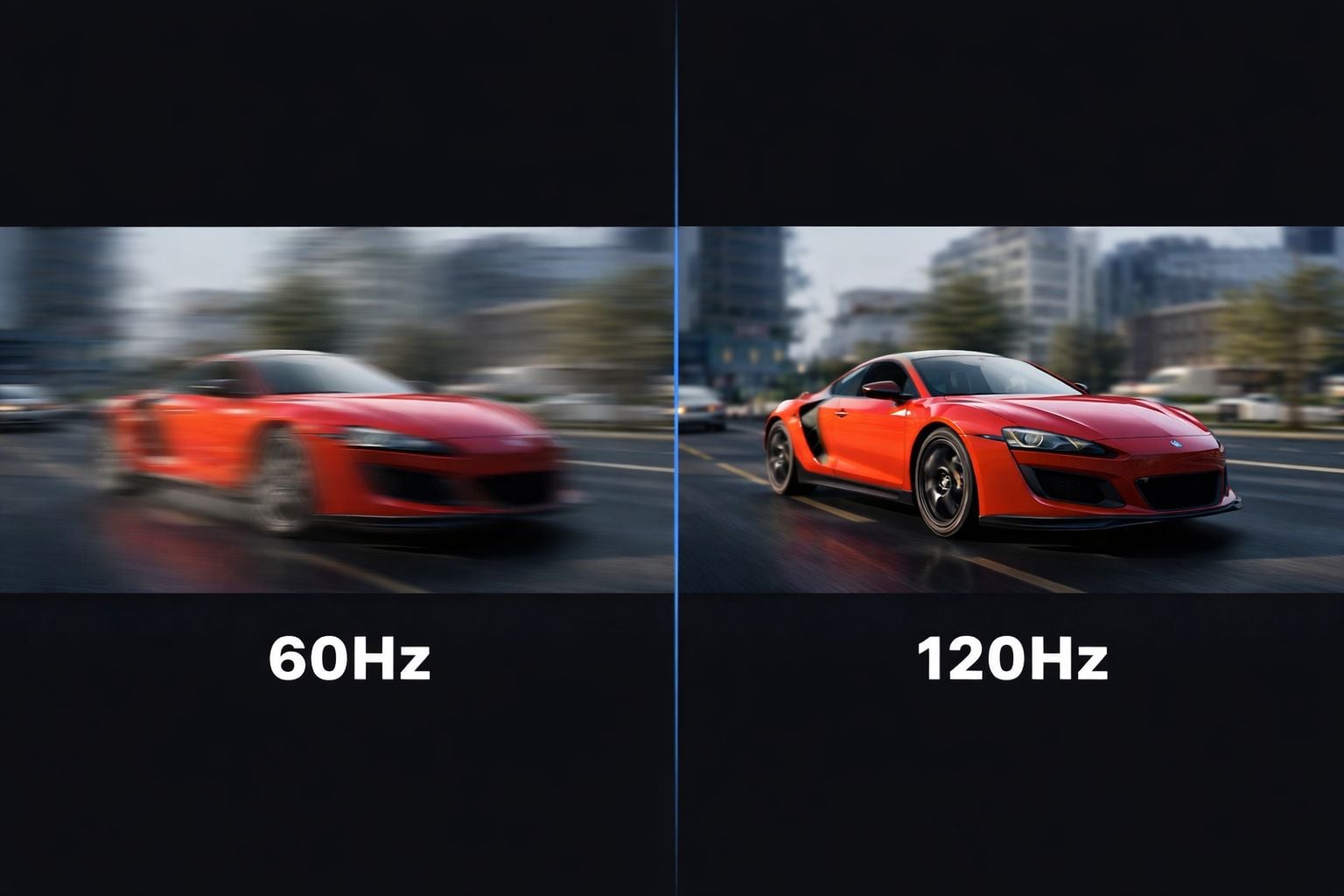
Rumors also point towards a doubled refresh rate of 120 Hz, unlike the present rate of 60 Hz. Moreover, the present remote play is limited by the PS5 frame rate and network performance. So, a higher refresh rate would deliver smoother gameplay and visual effects and ensure that motion feels highly fluid.
Other benefits of a 120 Hz screen refresh rate are: better game responsiveness for shooters, smoother animations, decreased motion blur, and future-proofing for a higher-fps streaming experience. Thus, having a screen capable of a 120 Hz refresh rate opens the door to exceptional performance, specifically in the case of optimization of technology.
3. Better Battery Efficiency and Reduced Heat
Though OLED screens are not universally power-efficient compared to LCDs, they can offer lower power consumption, especially in darker scenes where pixels are completely disabled. There are a few advantages of using OLED for thermals and battery life, including longer game sessions on a single charge and reduced heat output. It is more effective in power management for the user interface for dark mode and UI overlays.
This enhancement in power consumption is more realistic in gaming, where darker tones dominate, unlike bright imagery. Thus, for a handheld PlayStation Portal without an internal CPU, every efficiency improvement matters.
4. Competitive Edge and Premium Feel
An OLED-based refresh is not just about improvement in specs; it also redefines the position of PlayStation Portal in the handheld device landscape. Consequently, an OLED Portal can help Sony stay relevant, further giving a competitive edge with other portable devices.
Speculations also suggest improvements in design with thinner bezels, refined haptics, and controller enhancements, along with premium color options.
The Portal Pro will appeal to professional gamers who are looking for the best remote play experience.
5. Value for Money
In case you are thinking of buying the current version of Portal, we recommend that you wait until the refreshed version is launched. Also, waiting is better because early adopters of OLED Portals can benefit from improved pricing.
However, this does not mean that the current version is obsolete. So, if you require remote play, PlayStation Portal’s ergonomic design bestows excellent potential. But if you can wait a few more months, the OLED would be worth the cost.
Related Posts
- How to Play Demon’s Souls on Windows PC Without Lag?
- What is Canary Channel Insiders? Latest Update Overview
- Roundup of Gemini AI Desktop Rollout, Chrome 143 Notification Fixes, ChromeOS LTS 138, and AI Mode search With Enablement Steps
- Chrome’s AI Mode Now Rolls Out Globally—Try Multimodal Search on Your Phone
- Microsoft Launches Its First In-House AI Image Generator, MAI-Image-1, Now Available in Bing and Copilot for Creative Users and Developers

Ananya Dixit is a seasoned content writer and editor with over seven years of experience in tech, finance, and media. She has written extensively about Microsoft technologies, covering multiple versions of Windows—from Windows 7 and 10 to the latest Windows 11 releases. Her work includes in-depth troubleshooting guides, feature breakdowns, how-to tutorials, optimization tips, and coverage of new system updates.Ananya is also passionate about trending topics in the tech world, including AI tools as her personal favorite, digital privacy, productivity apps, and the newest features rolling out across Android and iOS. Read Ananya’s Full Bio

