 Ananya Dixit · February 19, 2026 · 3 min read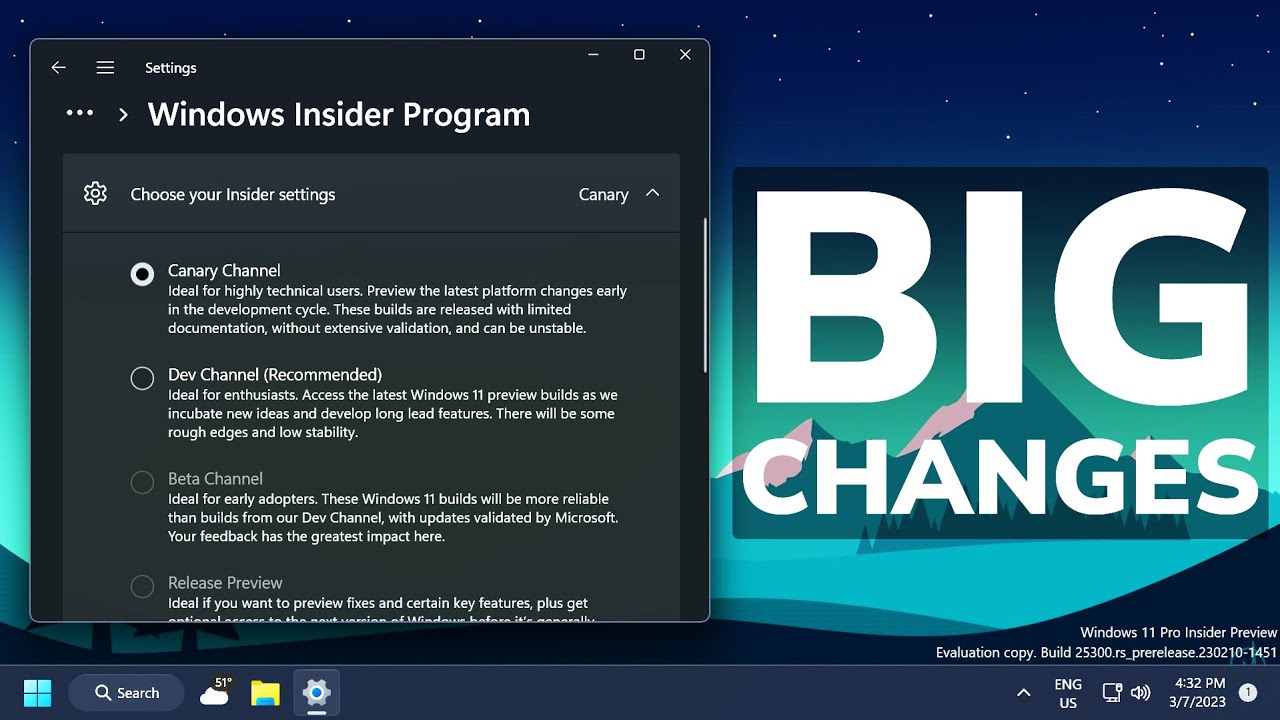
The Windows Insider Program is exclusively for tech enthusiasts, IT professionals, and developers. Through this program, Microsoft tests its features and other updates before officially releasing them, gathering user feedback that helps shape the future of Windows.
Microsoft has released various channels within the Insider program, such as the Dev Channel, Beta Channel for stable previews, Release Preview Channel for final-stage releases, and Canary Channel, which focuses on experimental ideas and platform changes.
The Canary Channel sits at the top of the development pipeline. This is because builds in this channel include platform upgrades, experimental features, and changes that might never be officially released. Consequently, these builds are used specifically for telemetry collection and feedback rather than for daily use.
To be more specific, Canary Channel builds give developers a first glimpse of what Microsoft is doing under the hood.
Latest Windows 11 Insider Canary Channel News
In February 2026, Microsoft announced the release of a new optional update in the Canary Channel for Windows 11 version 26H1. The build is known as Insider Preview Build 29531.1000. Moreover, this optional update is significantly important because it splits the Canary Channel into two development paths.
What Does This Update Mean?
Until today, Canary Insider builds were identified by the 28000-series and focused specifically on platform and feature previews. With its new 29531.1000 update, Microsoft has launched a dual-path approach. The original 28000-series Feature Preview Path continues to develop new experiences, and it is tied to the 26H1 preview cycle. Also, this is the path where many Insiders test builds like 28020.1611.
Subsequently, users who remain on this path will get features and user interface experimental changes, improvements, and system behavior linked to the upcoming Windows builds.
The 29500 series numbering Platform Development Path Build 29531.1000 marks the start of a new series of 29500. This path is especially focused on platform-related changes rather than end-user features. As per Microsoft, this path permits foundational development work so that it can be validated by the Insiders before it reaches other channels.
Here is a breakdown of the key traits of the 29500 path:
- Focused on deeper platform-related innovations
- Early preview of operating system transformation
- Temporary removal or instability of features
- Also, devices that are switching to use this path have to do a clean operating system installation to change to 28000 builds
How Does This Work in Practice?
In its official update, Microsoft specifically mentioned that users enrolling in the Canary Channel can gain access to the 29531.1000 Build via Settings, then Windows Update, from there, click on Advanced Options, and finally, Optional Updates.
Thus, opting for this optional update shifts the device to the 29500-series, and all the upcoming updates will be numbered accordingly.
Nevertheless, Microsoft acknowledged that moving to this path might lead to the loss of some features temporarily because of its primary focus on underpinnings. The company also recommends that Insiders stay on the 28000 series unless they want to look for some cutting-edge platform evolution.
Why Microsoft Split the Canary Channel?
The decision to divide the Canary Channel was taken because many early feature previews compete with deep platform work. So, testers and developers look for ways to just stay focused on one without impacting others.
Microsoft has accelerated platform development by creating two parallel streams without blurring feature testing. Also, Insiders can select any path that fits their specific testing needs.
Related Posts
- How to Fix App Notifications in Windows?
- How to Find Features Moved from Control Panel to Settings in Windows 11?
- How to Uninstall Window’s 11 Bloatware with Winhance?
- PlayStation Portal OLED vs. LCD: 5 Reasons to Wait for the 2026 Refresh
- Resize the Windows 11 Start Menu Using Windhawk: 6 Quick Steps

Ananya Dixit is a seasoned content writer and editor with over seven years of experience in tech, finance, and media. She has written extensively about Microsoft technologies, covering multiple versions of Windows—from Windows 7 and 10 to the latest Windows 11 releases. Her work includes in-depth troubleshooting guides, feature breakdowns, how-to tutorials, optimization tips, and coverage of new system updates.Ananya is also passionate about trending topics in the tech world, including AI tools as her personal favorite, digital privacy, productivity apps, and the newest features rolling out across Android and iOS. Read Ananya’s Full Bio

