
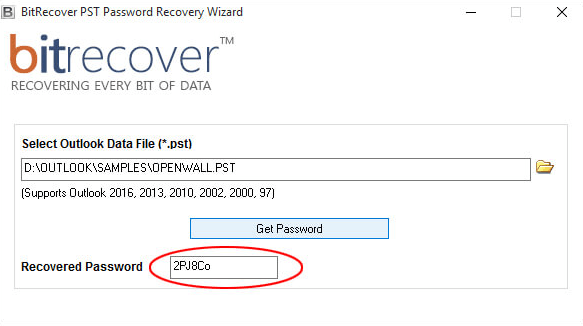
Looking for a way to recover a password for an Outlook PST file? I recently tried to load up an old PST file that I used at my previous company many years ago, but realized it had a password set on it. I tried every password I had ever used, but nothing worked.
Finally, I had to resort to using one of those PST password recovery programs to get access to the file. It actually didn’t give me the exact password that I originally used, but it gave me another password that allowed me to unlock the file.
In this article, I’ll write about several tools you can use to recover a PST password. Some of the programs are free, which I mention first and the rest are all paid. Always try the free options first before making any kind of purchase.
Free PST Recovery Tools
PstPassword – This free tool from NirSoft is the safest and easiest to use, but it only officially works on Outlook 97 to Outlook 2007. It had been updated to find the PST file for Outlook 2013 and Outlook 2016, but it’s not guaranteed to work.
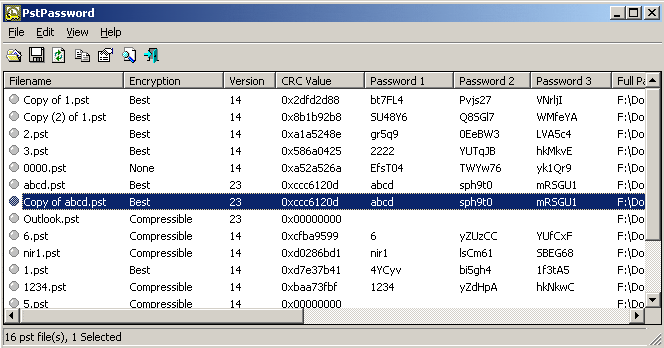
It’s one of the easiest programs because all you literally have to do is run the program and that’s it. You don’t even have to install anything. The program will automatically find the PST files if you have Outlook installed and give you the up to three possible passwords that should work for the file. You can also load a PST file manually if you like by dragging and dropping it onto the program window.
Kernel PST Password Recovery Tool – This program is also free, but again, only works up to Outlook 2010. Mostly, the free tools work with older versions of Outlook. They obviously want you to pay for recovering passwords on the newer versions of Outlook since that’s what most people are using.
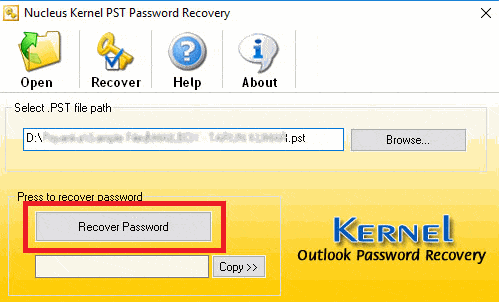
It’s a very simple program to use. Just click Open, select the PST file and then click Recover Password. It’ll hopefully give you a password, which you can then copy to your clipboard. That’s about it for this program.
Those are really the only two safe and clean tools that I could find that were free. If you have a newer version of Office installed, you’ll most likely have to use one of the paid programs below. It’s worth noting that most of the paid programs have free trials that can at least tell you whether or not the password can be recovered. In some cases, it’ll give you a character or two of the password instead of the whole password. This way you at least know if you spend the money, you’ll be able to access your PST file.
Paid PST Recovery Tools
Most of the sites below have a lot of details about the programs on their product pages, so I’ll just give a short overview here. Always make sure your version of Outlook is supported before making a purchase.
BitRecover Outlook PST Recovery
The bitrecover PST Password Recovery program is $29 and works with Outlook 97 to Outlook 2016. It also runs fine on Windows 10, which is nice. Works with all types of Outlook encryption, doesn’t require Outlook to be installed, supports complex passwords and works on PST files larger than 20GB in size!
SysTools PST Password Remover
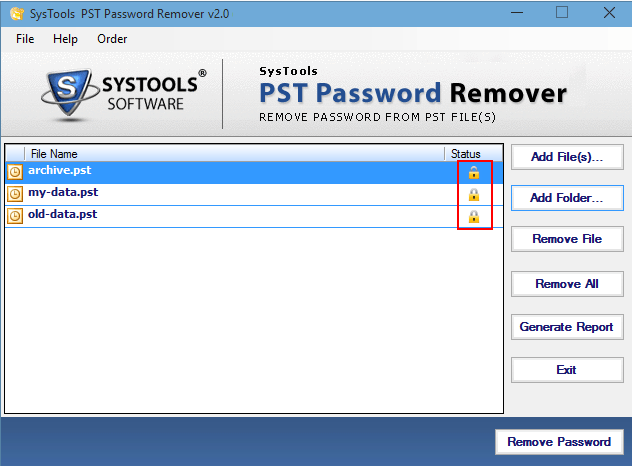
Even though this program is $49, which is way more expensive than most listed here, it supports all versions of Outlook and runs on Windows 10. You’ll have a better chance using these programs to recover the password because they are updated more often. It can remove the password protection from a PST file and works with lengthy or multilingual passwords also.
SysInfoTools PST Password Recovery
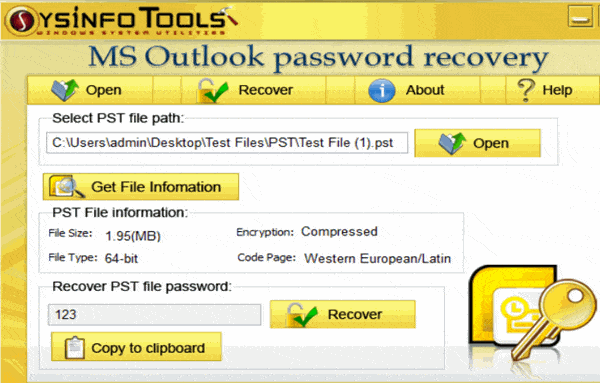
PST Password Recovery is only about $24, so it’s cheaper, and it works with Windows 10 and all versions of Outlook up to 2016. It’s pretty much got the same features as the other programs mentioned above, so it might be worth a shot if you want to save some money.
Top Password Outlook Recovery
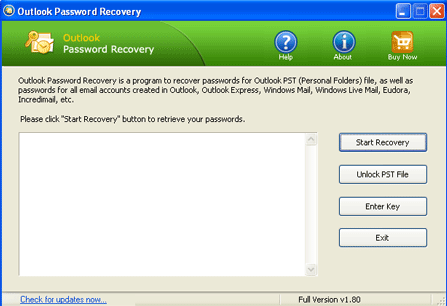
Top Password’s recovery tool is the cheapest, coming in at only $17.95. It also works on Windows 10 and supports Outlook 2016. The program claims to have a 100% recovery rate, so if you purchase it and it doesn’t work, I would contact them and get your money back.
Stellar Phoenix Outlook Password Recovery
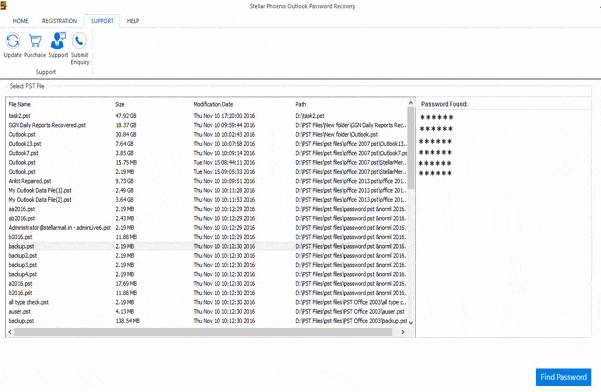
Stellar Phoenix’s Recovery program also works with the latest versions of Windows and Outlook. It also gives you up to six sets of passwords for your PST file. It also guarantees 100% recovery of passwords for encrypted PST files. It costs $29.
Recovery Toolbox
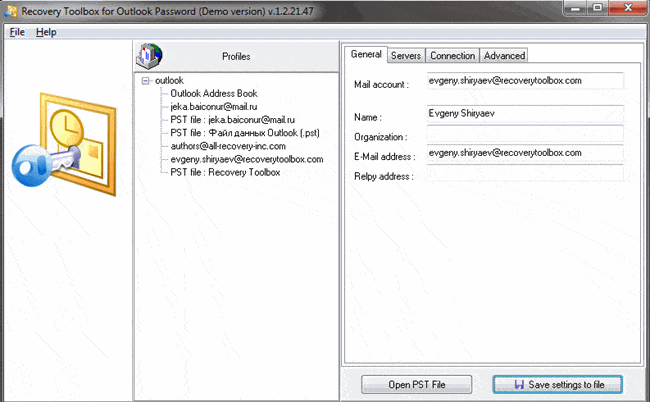
Recovery Toolbox costs about $19 and works all versions of Outlook. It works will all the different types of mail accounts in Outlook and can also remove passwords for OST files.
TheGrideon Software
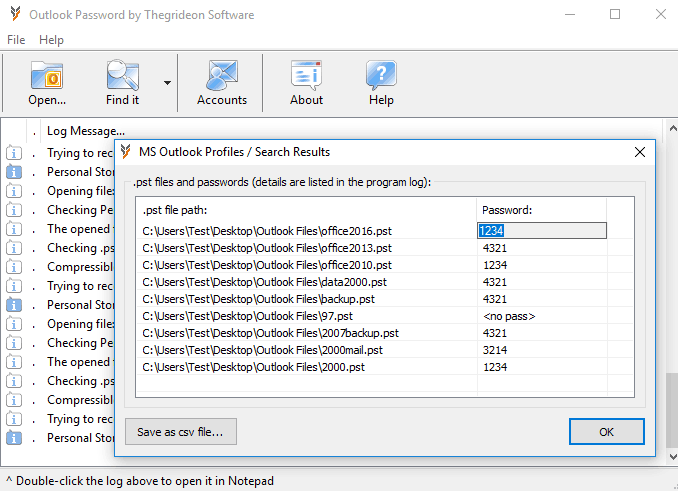
The Outlook password recovery software from TheGideon Software company comes in at $29.95 and supports all encryption methods, supports large file sizes, supports all versions of Outlook and Windows and has a nice clean user interface.
Interlore Password Recovery
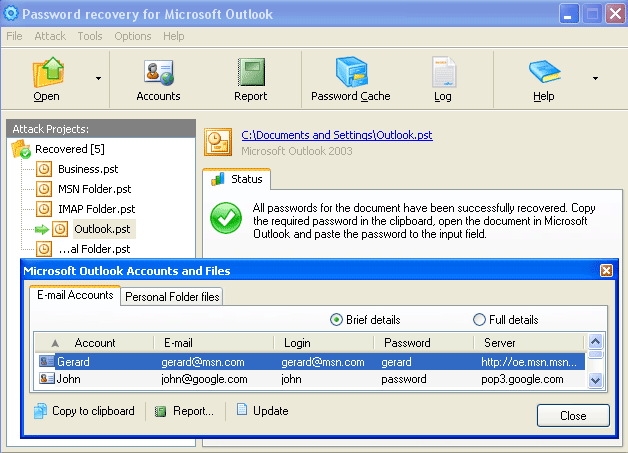
This program costs $29.95, but it hasn’t been updated in a couple of years. It supports all versions of Outlook up to 2013. It could work on Outlook 2016, but since it costs the same as similar programs that have been updated more recently, I don’t recommend using this one.
Hopefully, one of the programs above will be able to get you back into your PST file without too much trouble. Always make sure to make a backup copy of the original file before you use any of these tools as they could possibly corrupt the files. Enjoy!
