

If you want to get to the desktop on your Windows 11 PC but have loads of open applications in the way, you can use the Show Desktop button on the taskbar or one of several nifty keyboard shortcuts to get the job done.
Minimizing each window one by one just to get a look at your desktop is a waste of time. Instead, Windows 11 offers the Show Desktop button, which gives you a quick look at your desktop. There are also several keyboard shortcuts that you can use to view your desktop or even minimize all those windows quickly.
Click the Show Desktop Icon on the Windows 11 Taskbar
If you’re coming in from a previous version of Windows (such as Windows 10), you probably already know about the Show Desktop button. Microsoft may have implemented radical design changes to the Windows 11 user interface, but the handy taskbar button is still there. It’s just not as apparent.
To use the Show Desktop button, move your pointer to the bottom right corner of the screen, where you’ll see a thin vertical line. Click or tap that button once to hide all open windows.
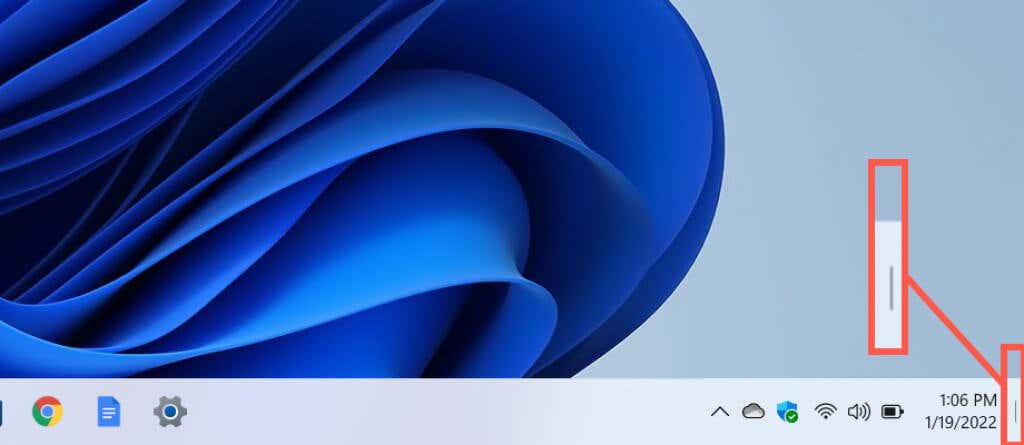
If you change your mind and want to restore each window, just click or tap the Show Desktop button again. Note that you won’t be able to show all your windows again automatically if you perform additional activities after getting to the desktop area (e.g., opening the Start menu, opening a folder, using Windows Search, or launching another application).
Unlike in previous Windows versions, Windows 11 does not allow you to peek at the desktop by hovering the cursor over the Show Desktop button. But you do have a system keyboard shortcut that accomplishes the same thing (we’ll cover how to do that in just a bit).
Activate the Show Desktop Button in Windows 11
The Show Desktop button is active by default. But if nothing happens when you click or tap the right side of the Windows 11 taskbar (or you don’t see the thin vertical line when you place the pointer over the area), you must enable it via the Settings app. Alternatively, you can use the Registry Editor to activate it.
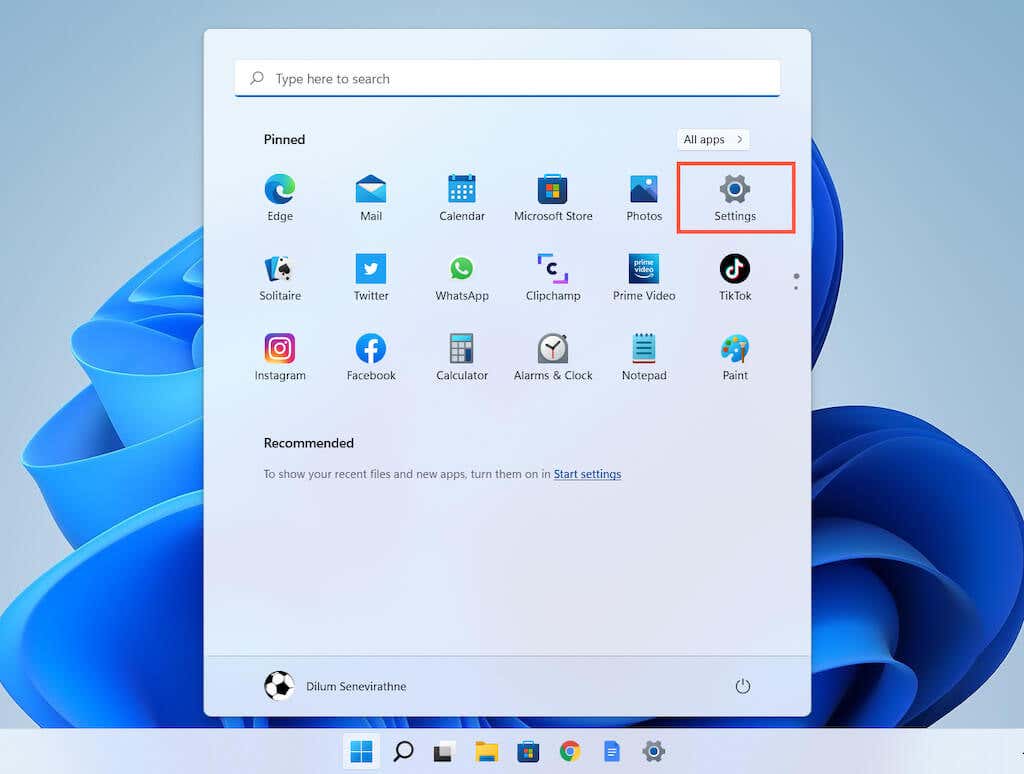
1. Open the Start menu and launch the Windows Settings app. If you don’t see it among your pinned apps, select All Apps, scroll down the list of programs, and choose Settings. Alternatively, you can press Windows + I to open the Settings window directly.
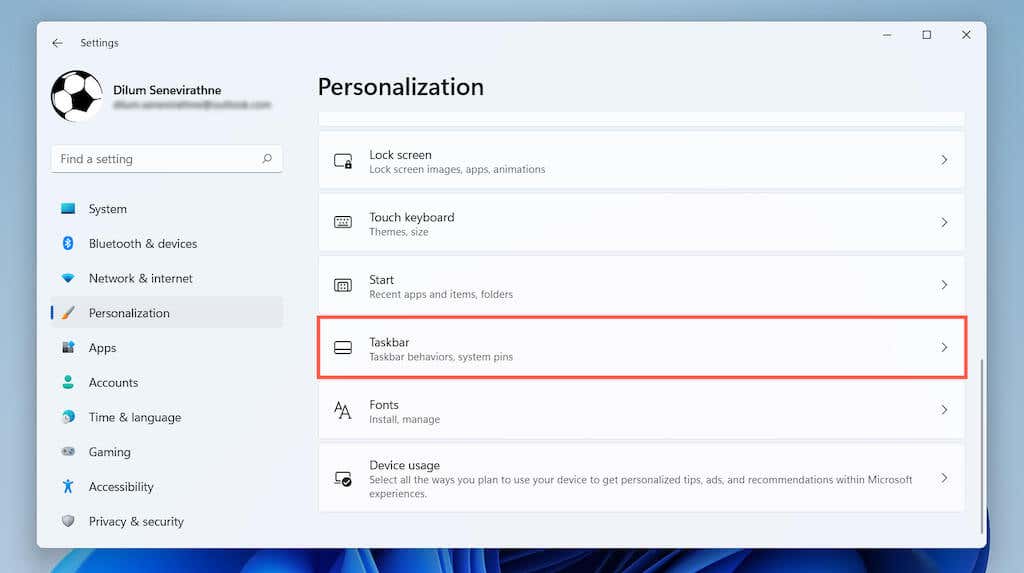
2. Click Personalization on the sidebar.
3. Scroll down and select Taskbar to reveal Windows 11’s taskbar settings.
4. Select Taskbar behaviors.
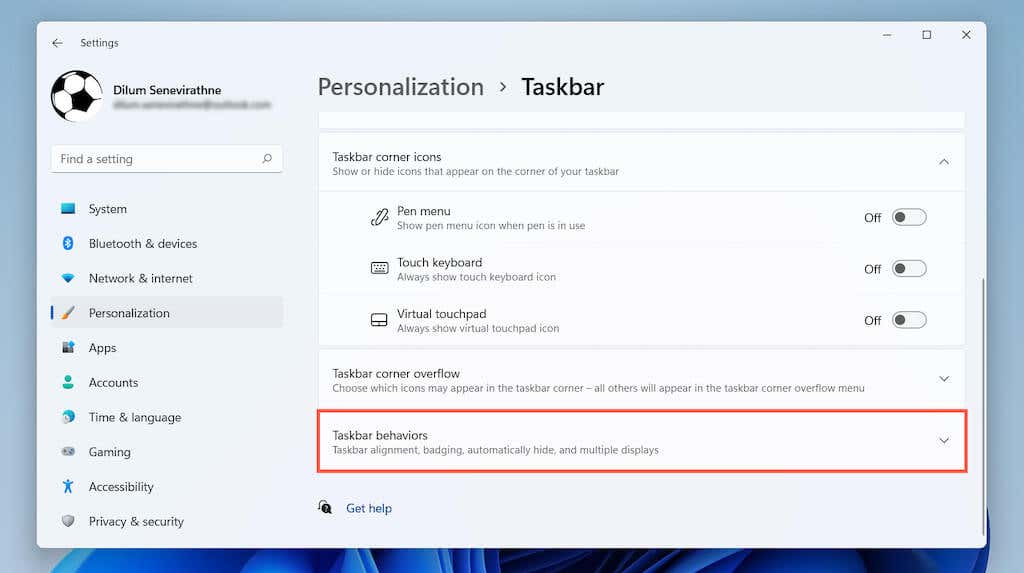
5. Check the box next to Select the far corner of the taskbar to show the desktop.

Use Show Desktop Keyboard Shortcut in Windows 11
Want an even easier way to show your desktop? Just press Windows + D to hide all open windows instantly. Use the same keyboard shortcut again if you want to restore them. Note that just like with the Show Desktop button, if you make any changes after hiding your windows, you won’t be able to display them again automatically.
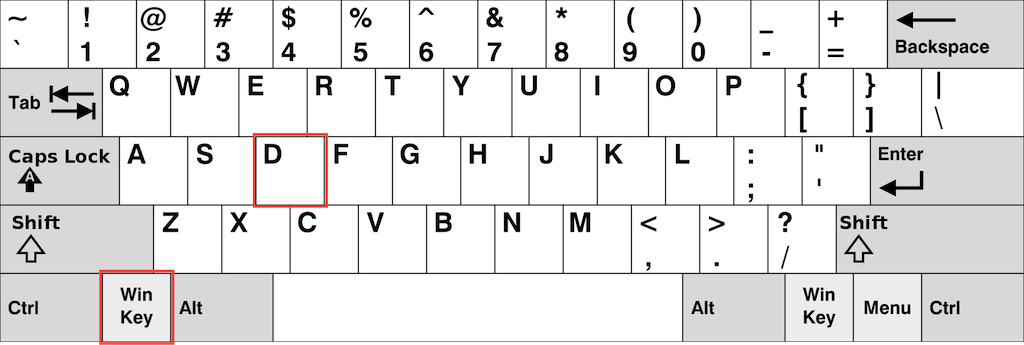
Note: You don’t have to have the Show Desktop button enabled on the taskbar to use the Windows + D shortcut.
Use Minimize Windows Keyboard Shortcut in Windows 11
Another way to get to the Windows 11 desktop quickly is to use the Minimize Windows shortcut. Just press Windows + M to minimize all open application windows. You can also use the Windows + Shift + M shortcut to maximize all minimized windows.
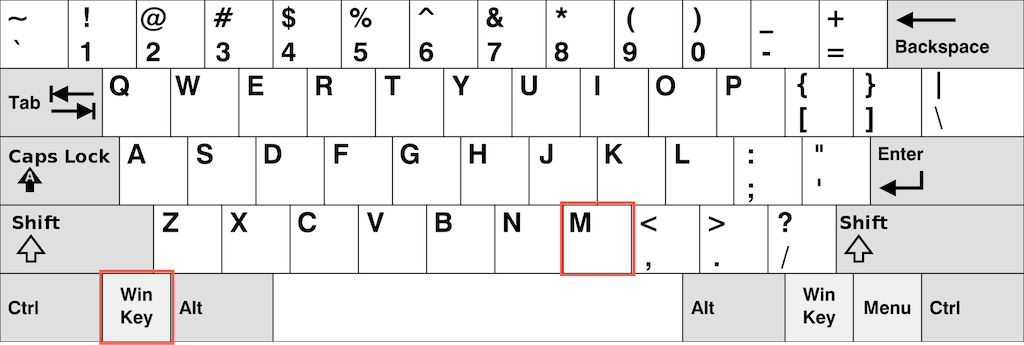
Although the Show Desktop and Minimize Windows shortcuts appear to do the same thing, there’s a subtle difference. The Show Desktop shortcut hides all open windows (including dialog boxes and properties panes), while the Minimize Windows shortcut only hides windows that support minimizing.
Use Desktop Peek Shortcut in Windows 11
In Windows 10 and earlier, you can hover the pointer over the Show Desktop button and peek at the desktop. That’s incredibly handy if you want to, say, look at your desktop wallpaper quickly. That functionality is missing in Windows 11, but there is a keyboard shortcut you can use.
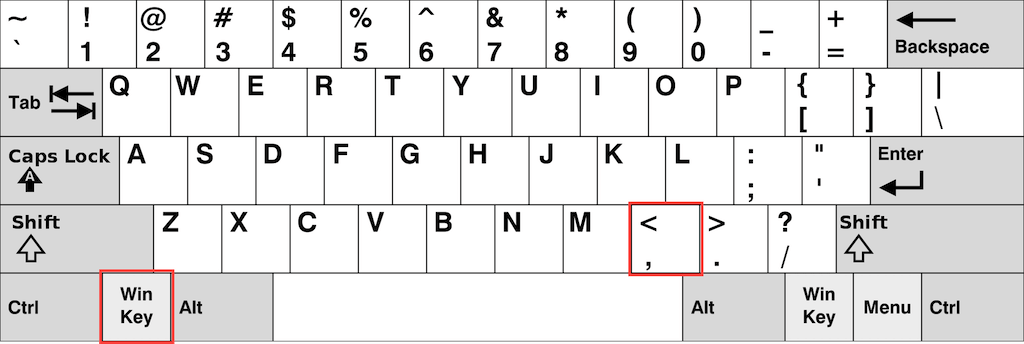
Just press and hold Windows + Comma (,) and you’ll immediately view your desktop. Releasing the keys restores all open windows.
Tip: Learn how to get the best Windows 11 wallpapers for your desktop.
Get to the Windows 11 Desktop Fast
To recap, using the taskbar’s Show Desktop button (or the Windows + D shortcut) is a quick way to get to your PC’s desktop area in Windows 11. You can also use the Windows + M key combo to minimize all open windows that support minimizing (and Windows + Shift + M to maximize all minimized windows). Finally, you can press Windows + Comma if you only want a quick peek at your desktop.
