How-To
TPM vs. Firmware TPM: What’s the Difference on Windows 11?
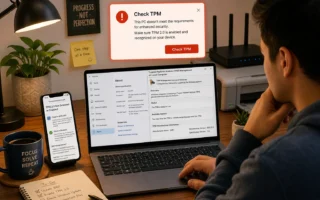
Confused by TPM 2.0 on Windows 11? Learn the real difference between a discrete TPM chip and firmware TPM (Intel PTT/AMD fTPM), and how to...
Confused by TPM 2.0 on Windows 11? Learn the real difference between a discrete TPM chip and firmware TPM (Intel PTT/AMD fTPM), and how to...
Learn to run Windows applications as administrator without UAC prompts using a trusted Task Scheduler task and a convenient desktop shortcut.
Learn how to control automatic driver installation in Windows 10 and 11 using Device Settings, Group Policy, or the Registry safely and easily.
Fix TPM and BitLocker errors after a motherboard replacement in Windows 11, recover access safely, enable the new TPM, and restore Windows Hello.
Yes, Windows Hello works on a local account. Follow our step-by-step guide to set up a PIN, fingerprint, or face sign-in — plus fixes for...
Is Microsoft Edge printing to the wrong printer? Lock your Windows default, reset Edge print settings, and repair printer drivers with these fixes.
Learn how to remove or disable Windows Media Player Legacy in Windows 11 and 10, change default apps, fix missing options, and restore it.
Wi-Fi isn't working on Windows 11? Diagnose driver, update, router, and power-setting issues with 10 targeted fixes before a full network reset.
Stop Windows 11 lock screen ads and Spotlight tips for good. Follow our step-by-step Settings and Group Policy fixes, plus how to recheck them after...
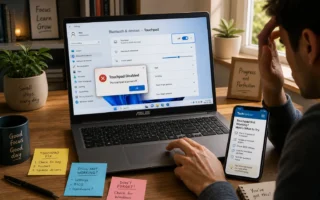
ASUS laptop touchpad stopped working in Windows 11? Try these 8 fixes, from a quick Fn key toggle to driver reinstalls, ordered fastest to most...
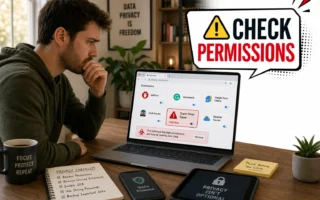
Learn how to check your Chrome extensions for data-stealing behavior, spot red-flag permissions, remove suspicious add-ons, and secure your accounts afterward.
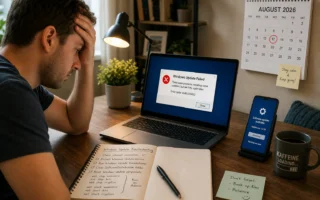
Learn how to fix Windows Update when it gets stuck, fails, or won't install using safe steps for Windows 10 and 11, including repair options.
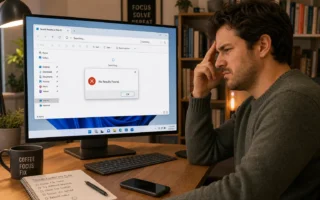
File Explorer search failing in Windows 11? Try these 8 fixes, from restarting the Windows Search service to rebuilding the index and running SFC/DISM.
Fix USB Device Not Recognized in Windows 11 with eight practical checks for cables, ports, drivers, power settings, USB hubs, and hardware faults.
Microsoft Word printing blank pages or extra pages? Use a PDF test, reveal hidden breaks, check margins and markup, then inspect the printer driver.
Deleting text or drawing a black box doesn't actually protect sensitive data. Learn the safe, step-by-step way to permanently redact info in Word and PDF...
Learn how to safely update TPM firmware in Windows 11 on Dell, HP, and Lenovo PCs — clear TPM ownership, suspend BitLocker, and verify success...
Stop Windows 11 from reopening apps after restart. Disable Restart Apps, check Startup apps, and change browser or app-specific restore settings.
Learn how to pause, defer, or disable Windows Update on Windows 10 and 11 using Settings, Group Policy, services.msc, and the registry — safely.
Learn how to clear the TPM chip in Windows 11 safely using three methods, protect your BitLocker key, and fix PIN or unavailable TPM controls.
Copy and paste not working in Windows 11? Try these seven fixes to restart Explorer, reset Clipboard History, repair Windows, and restore Ctrl+C/V.
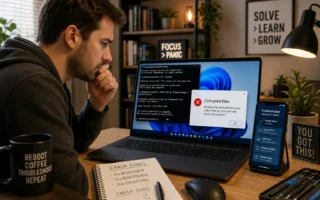
Fix corrupted files in Windows 11 with DISM and SFC. Follow our step-by-step order, learn what each result message means, and troubleshoot when DISM fails.
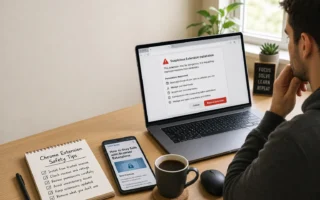
Learn how to spot a fake or malicious Chrome extension before you install it, audit existing add-ons, and protect accounts after possible data theft.