How-To
How to Disable Hyper-V in Windows 11
Hyper-V is a useful virtualization tool that lets Windows 11 users run virtual machines on their PCs. The problem is...
Hyper-V is a useful virtualization tool that lets Windows 11 users run virtual machines on their PCs. The problem is...
Whether your messages aren’t synching or you have trouble locating new files, refreshing Microsoft Teams helps fix these and other...
Changing your PC’s display settings might not always give you the results you’re looking for. You might end up with...
Keeping your video drivers up-to-date is crucial for optimizing performance in Windows 11. But there are also rare instances where...
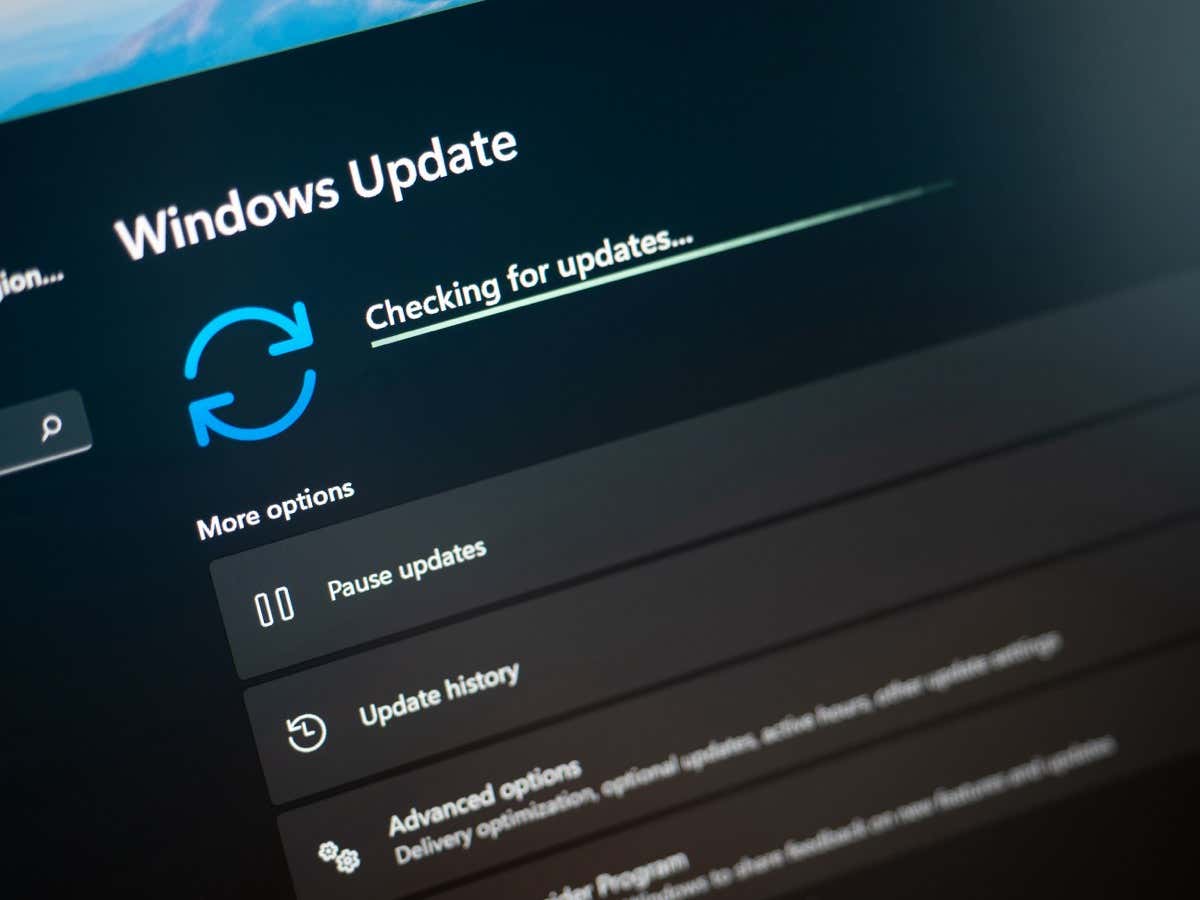
Encountering a 0x80073701 error usually indicates your PC’s Windows Update components aren’t working correctly. There are other reasons this error...
There seem to be all sorts of takes on the traditional keyboard design these days, from melty ergonomic models to...
Getting a new computer is an exciting experience, like purchasing a new car—you can’t wait to test its capabilities. At...
RAM (Random Access Memory) is a key component of any computer, but there’s more to it than capacity or speed....
If Windows refuses to shut down, it may be due to the Task Host Window, a system service that manages...
Are you tired of seeing the same old folder and shortcut icons on your Windows 11 or 10 PC? You...
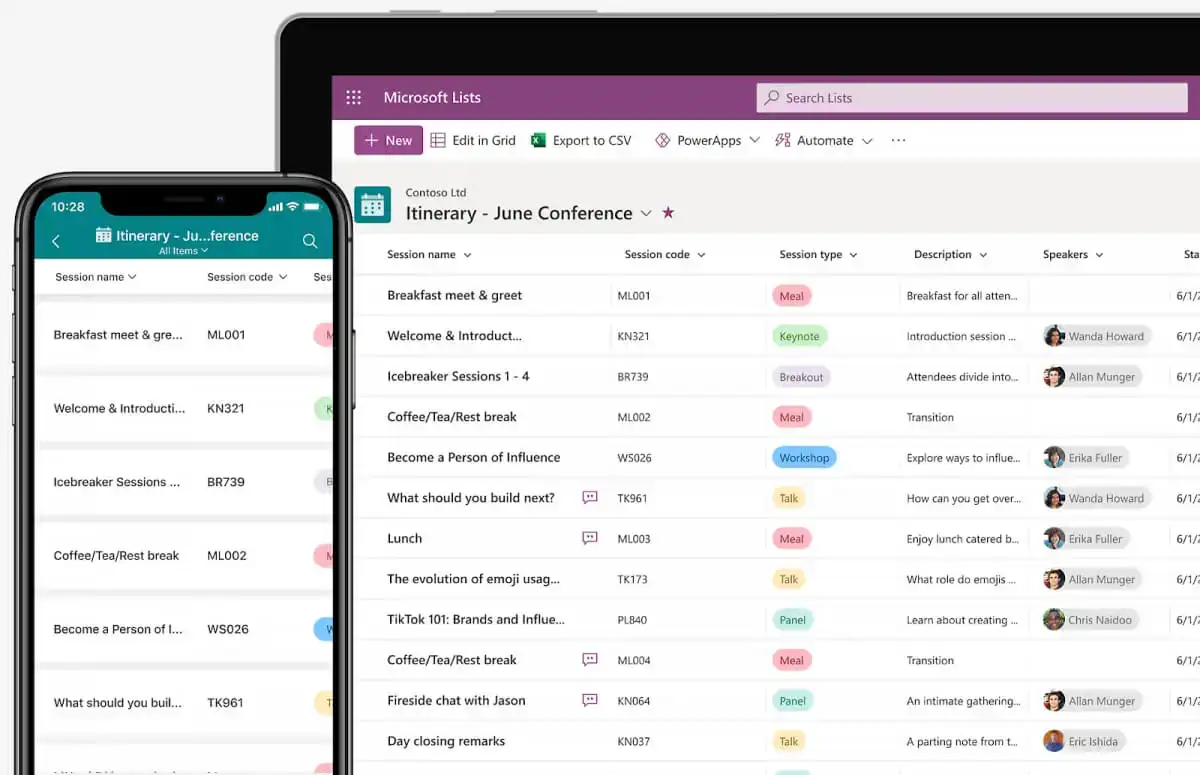
While Microsoft already had a Kanban board-style application (Microsoft Planner), the newly released Microsoft Lists fulfills the need for a...