

Forgot your TikTok password? Don’t worry — it happens to all of us. There are several steps you can take to recover your forgotten password. If you still have the phone number or email address that you provided with your account, you can easily reset the TikTok password using those details.
*featured image*
However, it may be that you can’t access your email, or maybe you changed your phone number, especially if it’s an old TikTok account that you’re trying to log into. In that case, you also have some options to take your TikTok account back. Find out what you can do to recover your forgotten TikTok password in this article.
How to Recover Your Forgotten TikTok Password
If you still have access to both your phone number and email address you used to sign up for TikTok, recovering your password shouldn’t be a problem. To reset your password and log into your TikTok, use the following steps below. The instructions are the same for iOS, Android, and desktop users.
- Open the TikTok app on your device.
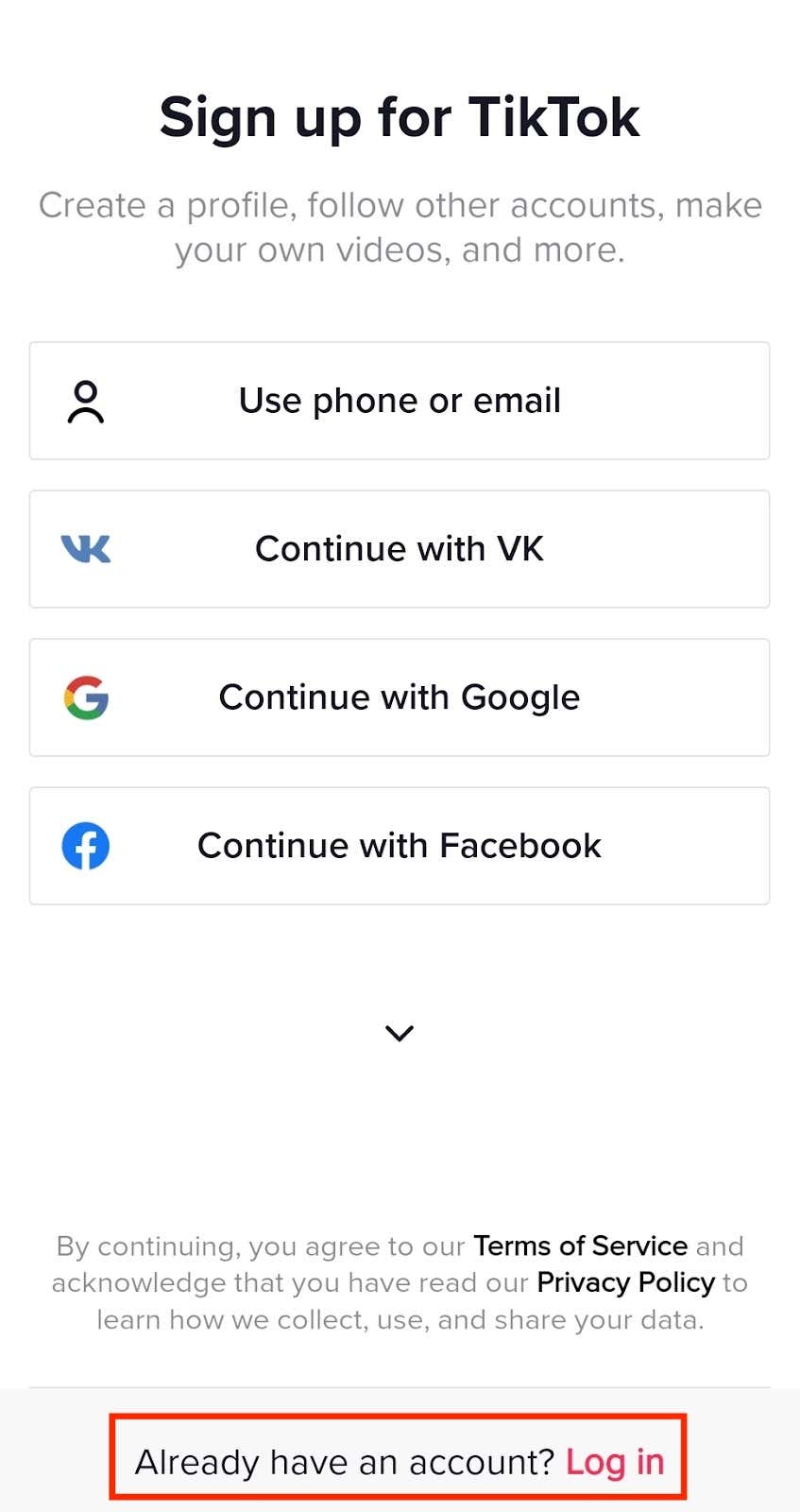
- Select the red Log in or sign up icon. Then select the Log in option at the bottom of the page.
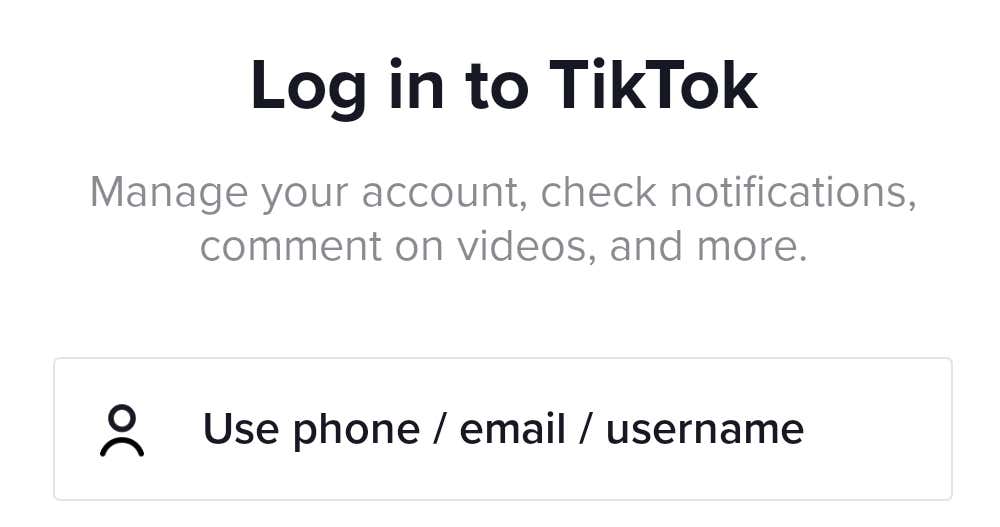
- On the Log in to TikTok screen, select Use phone / email / username.
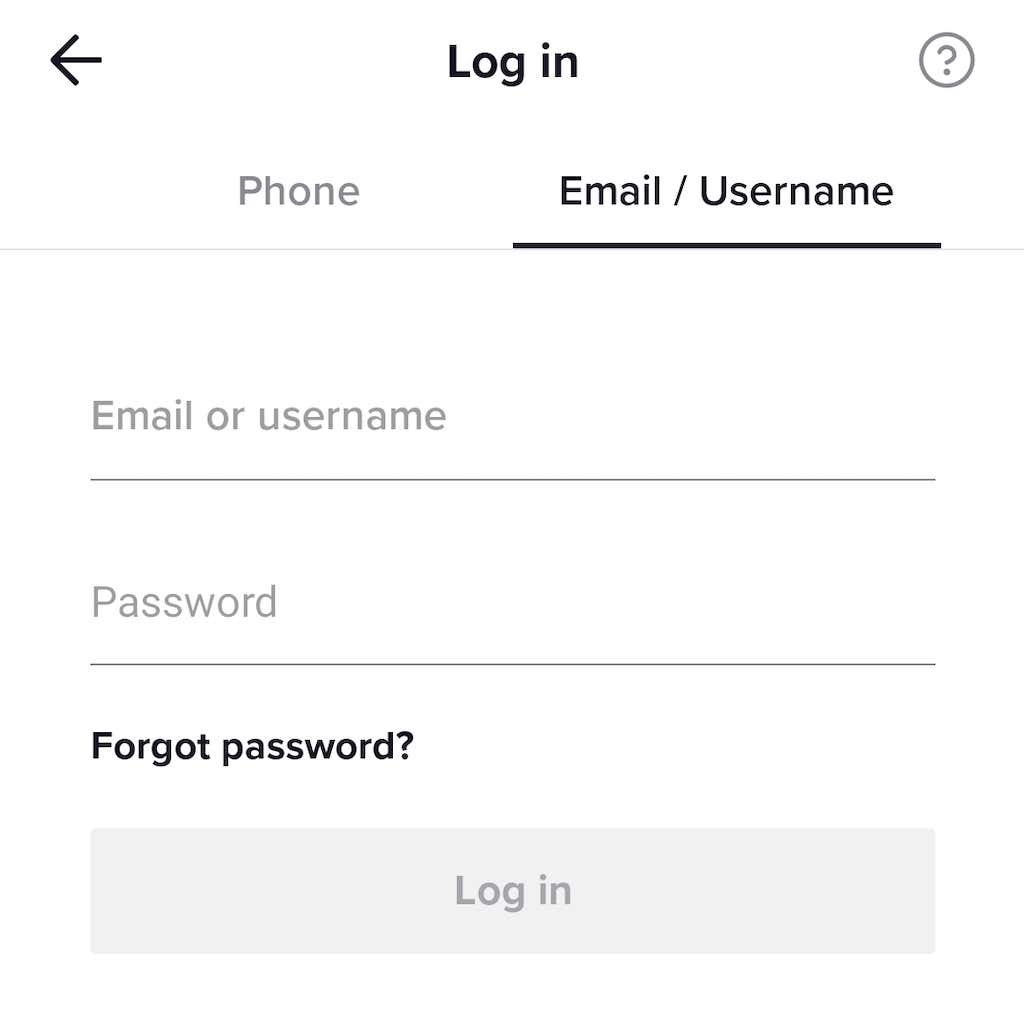
- You’ll be prompted to use your Phone or Email / Username to log in.
- If you choose to use your phone number, type it in and select Send code. Once the code is sent to your smartphone, you’ll log in to your TikTok account automatically.

- Alternatively, select the option to use your Email or username to get back into your TikTok account. On the login page, select Email / Username, then select Forgot password.
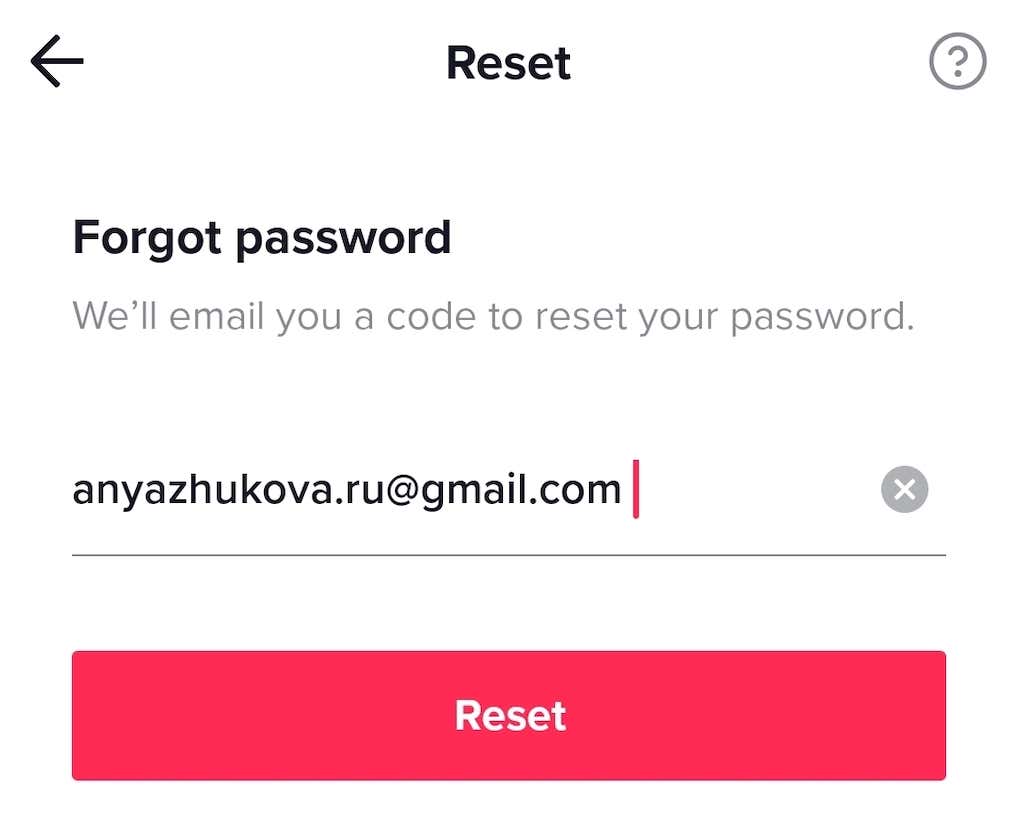
- Select Email. On the Reset page, fill in your email address and select Reset. You’ll then get an email with a verification code that you can use to reset your account password. To log in to your TikTok account, you’ll need to create a new password.
If your TikTok account is linked to other social media accounts on Facebook or Twitter, you can use those to log into your account as well. You can also use Gmail to get help signing in if you’ve previously linked your TikTok account to your Google account.
How to Reset Your TikTok Password
If you forgot your TikTok password and can’t log back into your account, check if you’re logged in on any other devices. If you find that you have an active session on your iPhone or Android smartphone, you can use it to reset your TikTok password and use the new password to log into your account. Unfortunately, this method isn’t available for PC TikTok users. You can only reset your password in the mobile TikTok app.
To reset your TikTok password when you’re already logged in, follow our step-by-step tutorial below.
- Open the TikTok app on your smartphone.
- Select the Profile icon in the bottom right corner of the screen to open your TikTok profile page.
- Select the three horizontal lines in the top right corner to open the Menu.
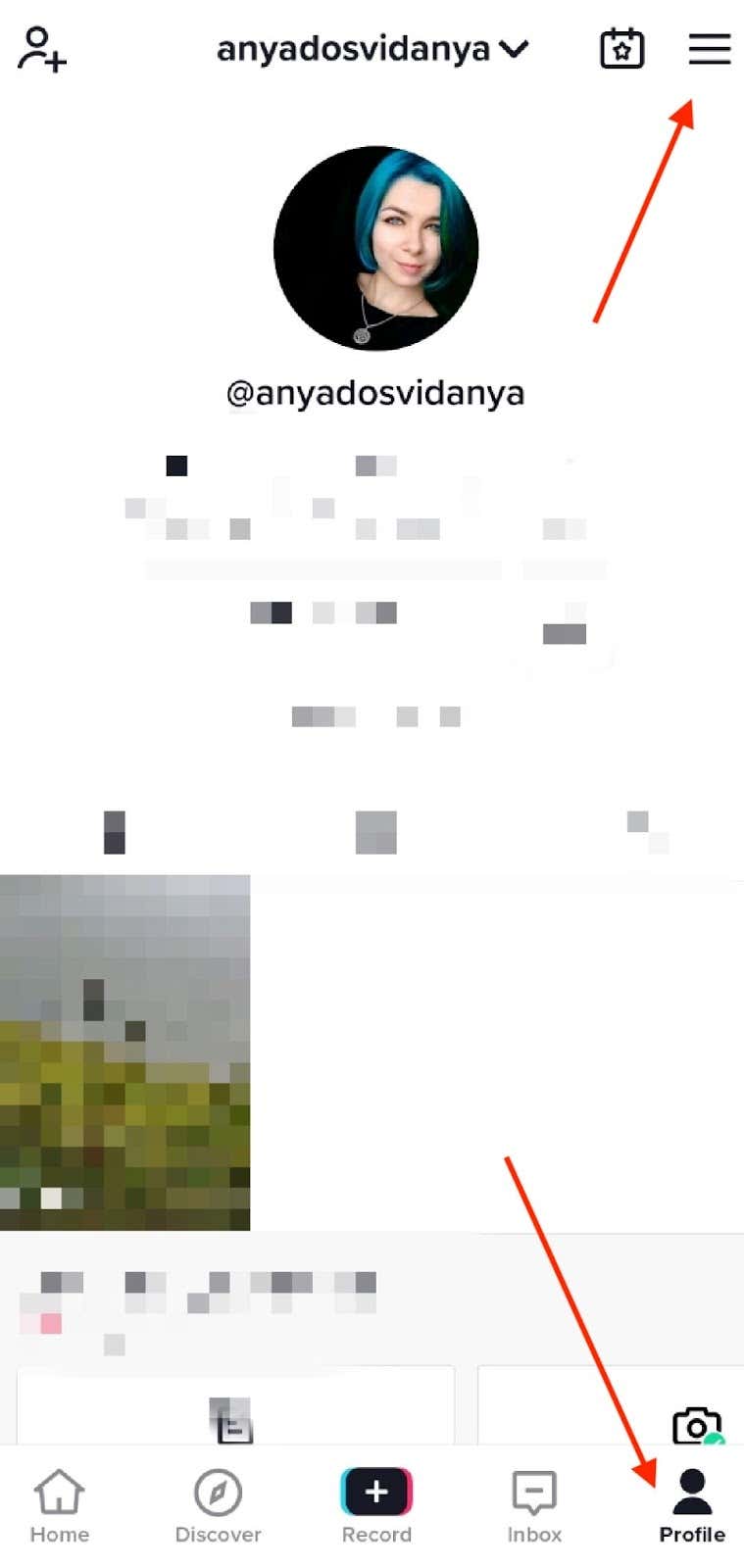
- Follow the path Settings and privacy > Manage account > Password.
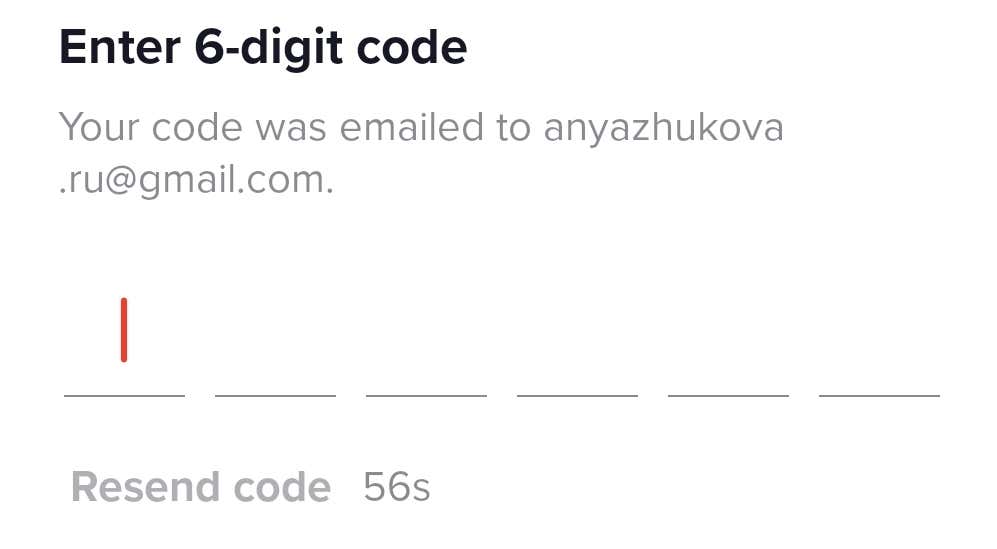
- You can use your phone number or email to verify the account is yours. Enter the 6-digit code to confirm your account ownership.
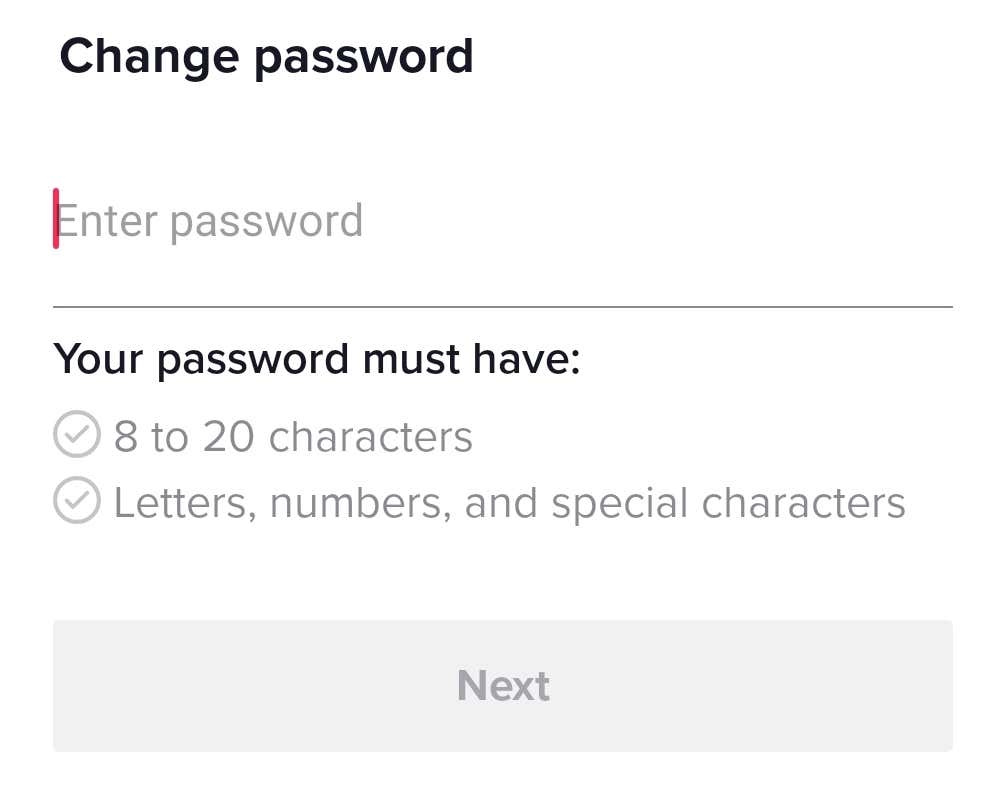
- On the Change password page, choose a password that complies with the conditions stated and select Next.
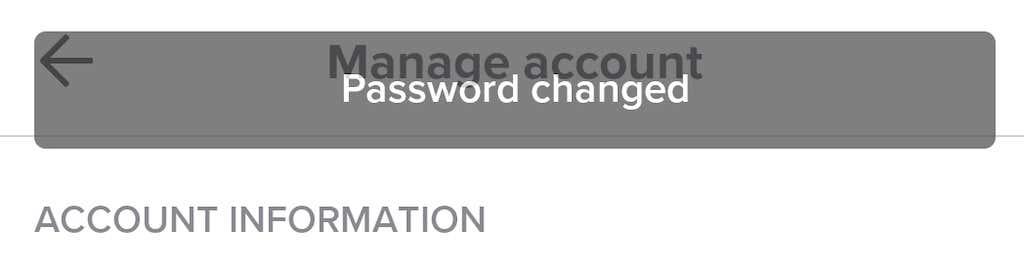
You’ll see a message displayed confirming the password change. You can now use the new password to log in to your TikTok account.
How to Recover TikTok Account Without Email or Phone Number
Trying to recover your TikTok account password only to find out that you don’t have access to your email address or phone number? Before panicking and deleting your TikTok account, try one more method. Contact TikTok through their feedback form and report your problem. Then wait for three to five business days for a response and see if they can help you get back into your TikTok account.
You can contact your favorite video-sharing social media platform using your smartphone or the PC app. The instructions are the same for all platforms.
How to Recover Your TikTok Account Using the TikTok Feedback Form
To recover your forgotten TikTok password using the TikTok feedback form, follow the steps below.
- Open the browser on any device and enter the TikTok feedback form into the search bar.
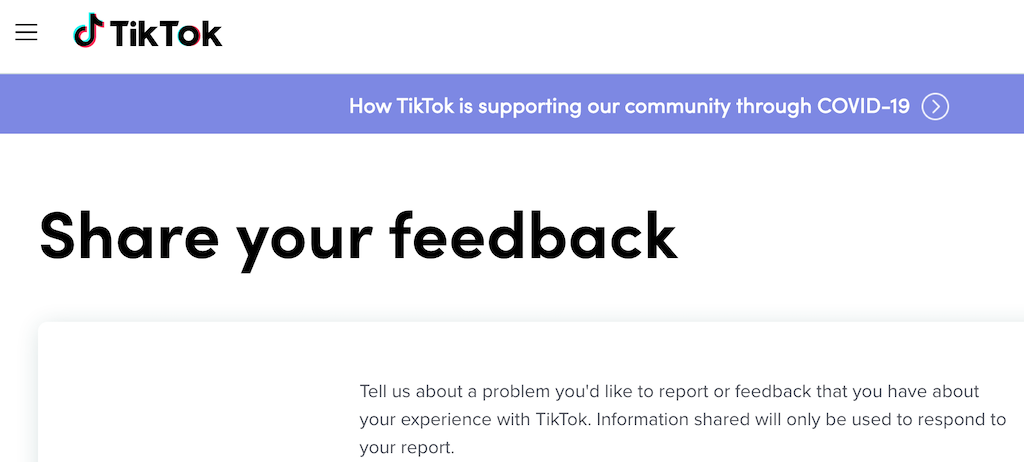
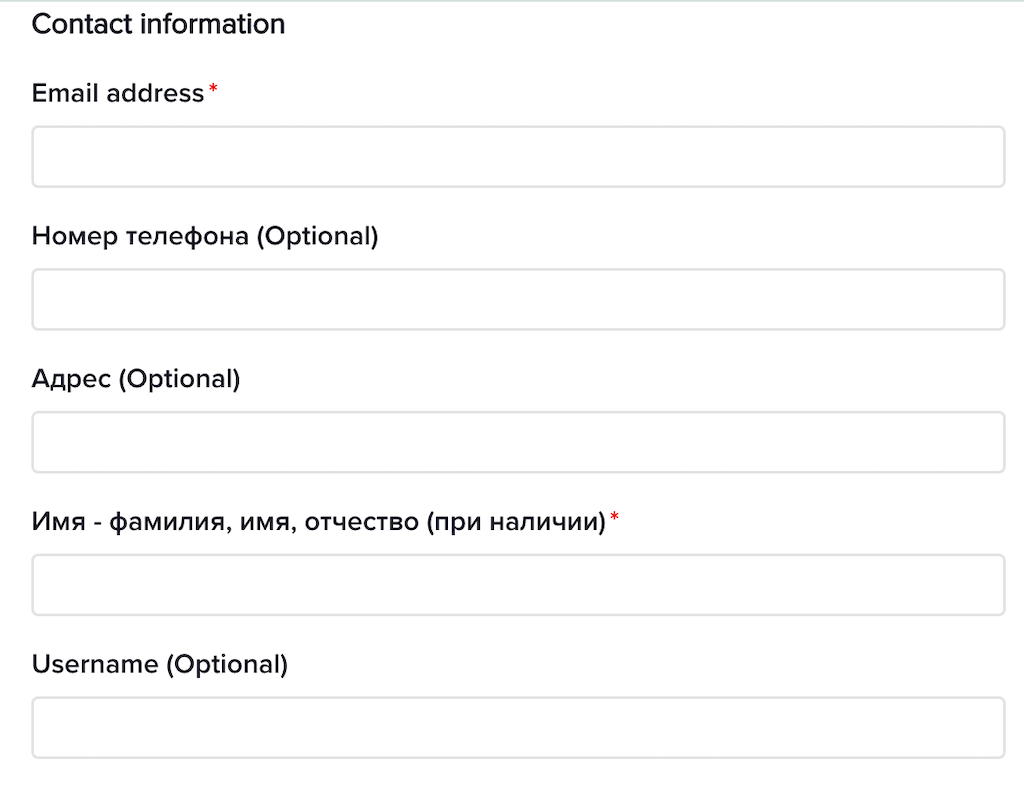
- Once you land on the Share your feedback page, start by filling in your Contact information: your email address, phone number (optional), physical address (optional), your name and surname, and your TikTok username (optional).
- Scroll down and select Change account information under Topic.
- Under Tell us more, select Other.
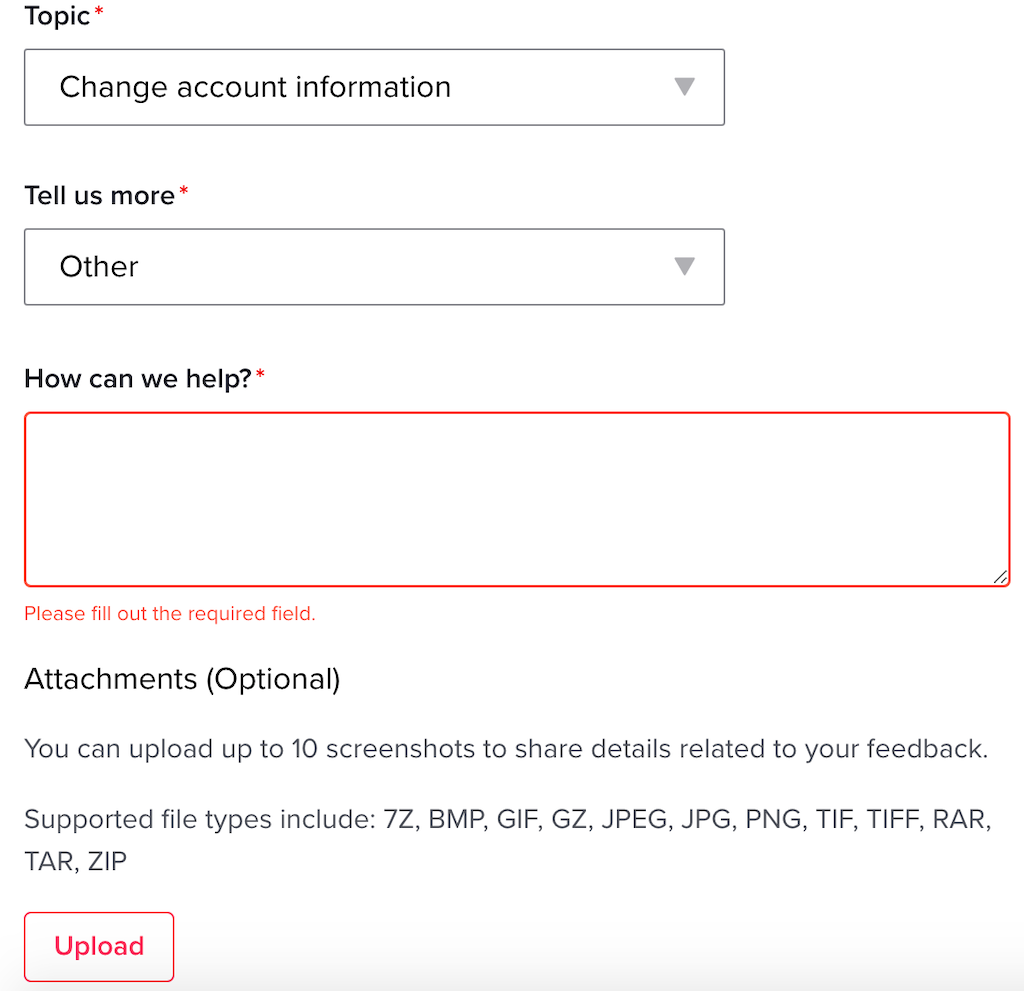
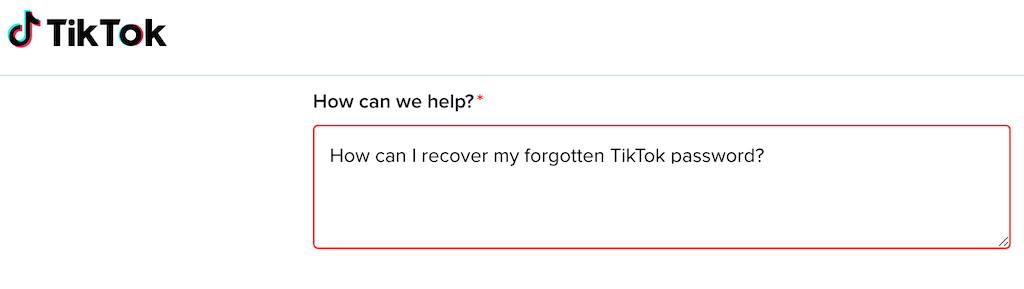
- Fill in the How can we help box with the details about your problem, and ask for a way to access your TikTok account. You can also attach up to 10 screenshots from your account to support your claim.
- After you finish filling in the form, select Submit at the bottom of the page.
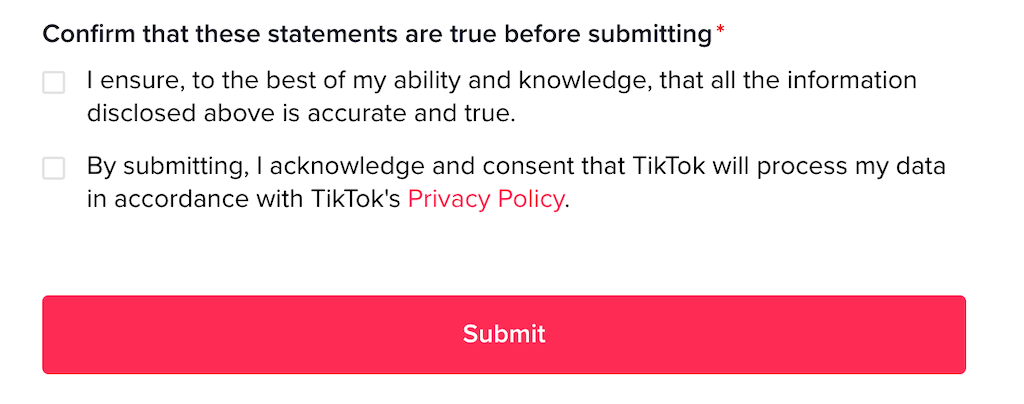
Wait for three to five business days to hear back from TikTok about how to recover your TikTok account. They’ll contact you by email that you provided in the form.
What to Do if All Else Fails
If you failed to reactivate your TikTok account even after you submitted the feedback form, you could start fresh by creating a new TikTok account to post videos on the platform. Alternatively, you can turn to a different site for making short videos, leave TikTok for good, and switch to Snapchat.
