How-To · 4 min read
How to Make Periods Bigger in Microsoft Word
When you’re creating a Word document, you might use a font style that makes the periods look too small or…
When you’re creating a Word document, you might use a font style that makes the periods look too small or…
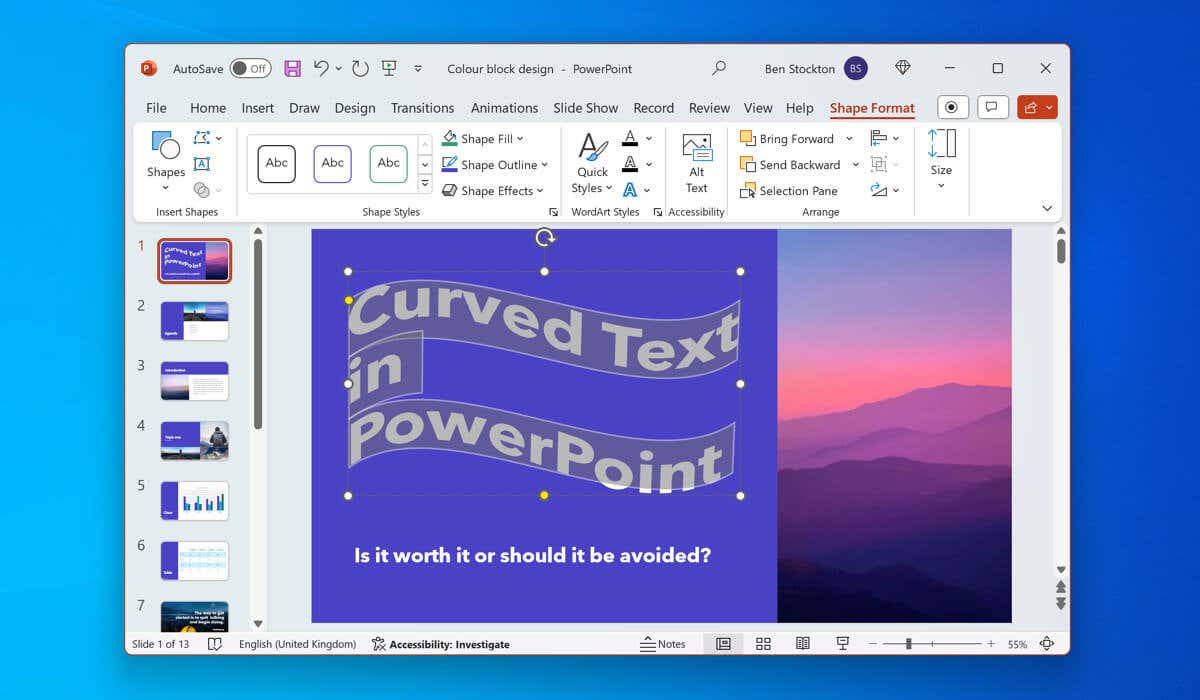
Too much text in your PowerPoint presentation can make for a dull experience for your audience. You’ll need to make…
When you’re tracking data in Microsoft Excel, you can take advantage of the built-in date formatting. However, you may want…
You don’t need to reply to an email directly to react to it—if you’re using Outlook, that is. Outlook users…

Need to communicate with your workmates and important clients quickly? You may already be using Microsoft Teams. Teams allows you…
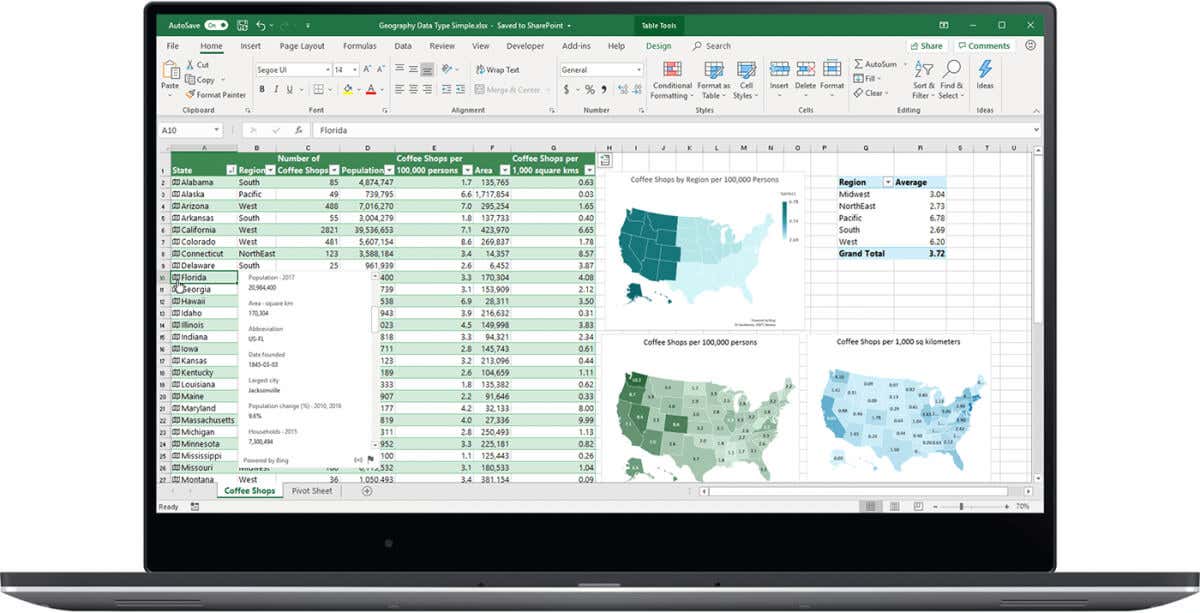
The strikethrough option in Microsoft Excel is a great way to mark tasks as completed or show edits you’ve made.…

Keeping track of your holidays or those of your coworkers around the globe is easy with Outlook. To plan your…

Whether you’re new to Microsoft Outlook or the meeting scene, you can schedule meetings in just minutes. Select or add…
Outlook isn’t just an application for managing your emails. It’s your productivity hub, with your calendar, contacts, Teams messages, and…

Need to make the text in your Word document stand out? You can highlight it. Highlighting is a useful way…

Want to jazz up your PowerPoint slides to make them more engaging? An obvious step to take is to add…

A picture is worth a thousand words—or so the cliche goes. The right picture, in the right format, can help…
