
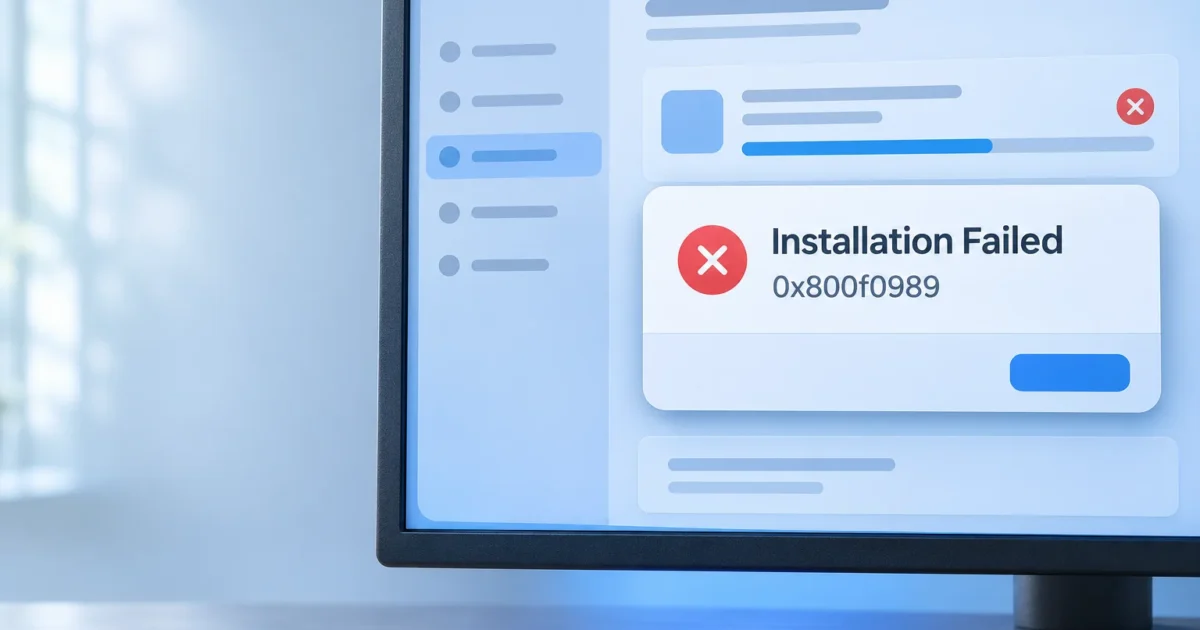
On November 19, 2026, Microsoft released KB5132057 through Windows Update as an optional preview for Windows 11 versions 25H2 and 26H2, and some PCs are now failing to install it with errors like “0x800f0989”. Because it’s a non-security preview, a failed install doesn’t leave your PC missing a security patch, and most home users can simply skip it and wait for the next regular monthly security update.
What Happened
KB5132057 moves Windows 11 25H2 to build 26200.10075 and 26H2 to build 26300.10075, according to Microsoft’s support page. It’s a “preview” cumulative update. That means it’s optional and isn’t a security update. On a typical home PC, it installs only if you choose Download and install or have turned on Get the latest updates as soon as they’re available, though work or school PCs may follow their organization’s update policies.

BleepingComputer counted 28 changes and fixes. The headline item is a redesigned Windows Search with a single results list and inline quick actions. You also get a modernized Run dialog that you can turn on under Settings > System > Advanced, plus a Windows Hello option that brightens the screen for face sign-in in dark rooms.
Within days, Neowin reported users on Microsoft’s forums hitting three errors:
- 0xc000012f reported as an install that never completes
- 0x800f0993 reported on 25H2
- 0x800f0989 reported on 26H2, where the built-in Windows Update troubleshooter also failed
As of November 23, 2026, Microsoft’s KB page doesn’t list 0xc000012f, 0x800f0993, or 0x800f0989 as known issues. Its only listed known issue concerns SQL Server linked-server connections on servers.
How It Stacks Up
The useful comparison here isn’t how widespread each problem is; it’s the installation context. One documented issue can look similar but has a different cause. Microsoft’s KB5132057 page warns that a separate error, “0xc0430001,” can occur when Windows installation media updated with dynamic updates is missing the boot.stl file.
That’s a different scenario from a home PC installing through Windows Update, and it doesn’t explain the KB5132057 failures described above. The suggested fix is to rebuild the media with the file included.
| Issue | Error codes | Microsoft status | Where it’s reported |
|---|---|---|---|
| KB5132057 install failures reported by users (Nov 2026) | 0xc000012f, 0x800f0993, 0x800f0989 | Not listed as a known issue | User posts on Microsoft’s forums, via Neowin |
| Installation media updated with KB5132057 | 0xc0430001 | Documented; include boot.stl in the media | Microsoft’s KB5132057 page |
Neowin says these failures don’t appear to be as widespread as the install problems reported with the November 10 update, KB5132061, but it gives no figures, and nobody has published numbers on how many PCs are affected.
The Reaction
Reaction is still forming. The reports so far are individual users posting on Microsoft’s forums, such as a Microsoft Q&A thread where the poster says KB5132057 won’t install despite multiple attempts.
Neither Microsoft nor the outlets covering the failures have published figures, so it’s too early to say how common they are.
Our Take
Verdict: pause. Your level of worry should be low.
If KB5132057 failed on your PC, the simplest move for most people is to leave it alone. Skip retrying unless you want the new Search experience early or need a specific fix listed on Microsoft’s KB page.
You lose little by waiting. Preview updates are early releases of changes headed for a later monthly update (Microsoft says there won’t be a December 2026 non-security preview), so most of these fixes and features should follow, although Microsoft doesn’t guarantee identical timing or contents and some features roll out gradually.
If Windows keeps retrying and failing, an independent advisor answering that Microsoft Q&A thread suggested turning off the setting that fetches optional previews early. That’s community advice, not an official Microsoft fix, and it may not cancel an update that’s already queued or override a work or school PC’s update policies:
- Open Settings > Windows Update.
- Turn off Get the latest updates as soon as they’re available, then restart your PC.
If you want the update anyway, you have two options:
- Retry once in Windows Update. Go to Settings > Windows Update > Advanced options > Optional updates, then select the update’s Download and install link.
- Download the package manually. Search the Microsoft Update Catalog for KB5132057, which has four separate packages, and pick the .msu that matches your version (25H2 or 26H2) and architecture (x64 or Arm64). Microsoft’s KB page says a manual install may also need the checkpoint cumulative update KB5043080: download every .msu file listed for your package into one otherwise empty folder, then install the checkpoint first and KB5132057 second (Windows tells you if the checkpoint is already installed). Microsoft also says 25H2 PCs need an update released on or after June 10, 2025 (such as KB5060842). A manual install isn’t confirmed to avoid the reported errors.
Be wary of registry tweaks and other unofficial fixes for 0x800f0989 posted on forums. Microsoft hasn’t confirmed any of them. If you’re the family IT person testing previews, an image backup to an external SSD first is cheap insurance.
Wrapping Up
KB5132057 is a nice-to-have, not an emergency. If the next regular monthly update also fails with the same codes, treat it as a real Windows Update problem and troubleshoot it then. Turning off the early-updates toggle may keep future optional previews from installing automatically, though it isn’t an official fix and may not cancel an update that’s already queued.