

Everyone with a network router at home also has a local area network (LAN), which makes it easy to share resources and data between devices. Modern networks are also blazing fast, making large file transfers over LAN feasible.
Maybe you’ve got a large NAS (network attached storage) full of media and documents. Perhaps you’re working with other collaborators and need to shuffle information between devices locally. Sadly, even modern networks run into performance issues and file transfers can get bogged down.
Do you find yourself wondering often, “Why is my network so slow”? Here are some useful fixes that will get the data flowing again.
The Weakest Link in the Chain
From the moment a network packet is sent from one device to when it arrives at another, there are lots of twists and turns on the journey. The total network transfer speed is only as fast as the slowest component in the chain.
Keep this in mind when trying to track down the source of slow network data transfers. If possible, eliminate possible culprits systematically.

There are network tools out there that can help you find network bottlenecks, but these are designed for complex business networks. In a small LAN, the following is generally the chain of components:
- The sending device (e.g. PC)
- A network connection (Ethernet or WiFi)
- The network router
- A network connection (Ethernet or WiFi)
- The destination device (e.g. another PC or network attached storage device)
There are times when it can be a little more complex than this. For example, you might be using a powerline adapter or WiFi repeater, adding another step in the chain. Mesh WiFi routers are becoming more common in the home as well. This means you may need to check the individual nodes of the mesh system as well.
Benchmarking Your Network Speed
Before you start looking all over the place for problems, a good first step is to benchmark your network performance using a specialized utility. These programs are designed to test the transfer speed of your network from one point to another while cutting out irrelevant factors such as speed of the hard drive or operating system caches.
If the network benchmark shows normal performance levels, then you can look to another source of problems not related to your network hardware.

LAN Speed Test Lite is one good example of such a network testing utility. All you have to do is specify a shared folder on the network as a target and the app will measure the transfer speed. Since that still involves the hard drives of both devices, you can also combine it with LST Server.
Run the server app on the target computer and the speed test on the other machine. This will measure pure network performance, giving you a great indication of how much transfer speed is actually available and why your network is so slow.
Weak WiFi Signal
One of the most common causes of poor network data transfer speeds is weak WiFi signal strength or signal interference. Unlike an Ethernet cable connection, wireless connections can show quite a lot of fluctuation. A small change in position or distance, radio interference at certain times of day, the phase of the moon; at least two of these factors can make your WiFi speed drop.

Improving WiFi performance deserves an article all to itself, so head over to Top Ways to Boost WiFi Signals & Improve Performance and get all the hot tips you need to get a better wireless signal.
Storage Speeds
One oft-overlooked factor in troubleshooting a slow network is the speed of the storage media on both ends of the transfer. With fast gigabit home LANs or even on slow networks, some mechanical drives simply can’t shift data quickly enough to keep up.
Even if it’s not the drive itself, any bottleneck in the device’s storage system will affect network speeds. If slow transfers happen with one specific device, this could be one reason.
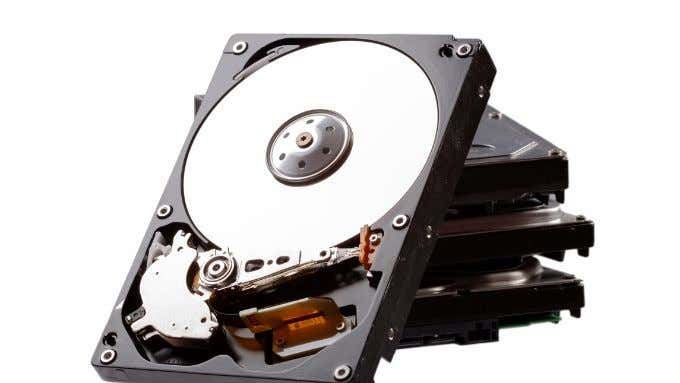
If a slow drive is causing slow file transfers, there are a few things you can do:
- Upgrade the drive in question to faster models such as SSD or high-RPM mechanical technology.
- Set up a shared storage area on the network, such as a dedicated home NAS (network attached storage) product.
- Use multiple drives in a RAID configuration to speed up performance.
Storage devices almost always hold things back a little, so it makes sense to keep your largest and most frequently accessed files on a local network drive that’s built for speed. If you have a very fast broadband connection, it might actually be faster to keep your files on a cloud service like Google Drive or Dropbox.
Rethinking Your Router
Your network router sits at the heart of your network’s performance. A router is actually a specialized computer, with its own processor, memory, storage and operating system. A router with many CPU cores, lots of RAM and the latest network technology will significantly outperform everything else.
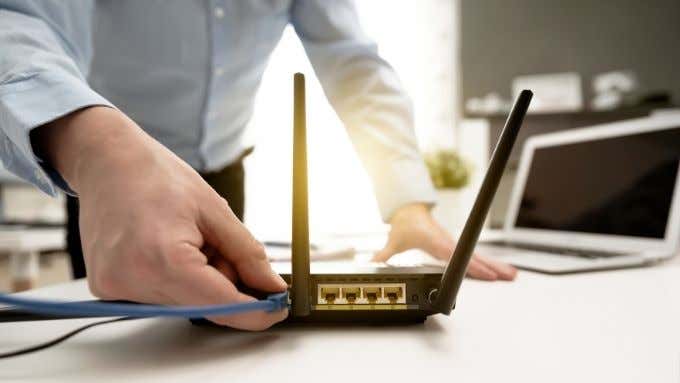
If you’re asking too much of your current router, replacing it with a newer and better model could be the answer. This is especially true if your network performance problems affect the entire network and not just between certain devices.
Router Firmware Updates & Custom Firmware
Your router’s performance is also affected by the operating system that runs it. This is the router’s firmware. Routers can hang up, have bugs and handle network traffic poorly. Router manufacturers usually issue updates to their firmware that fix performance issues and improve reliability.
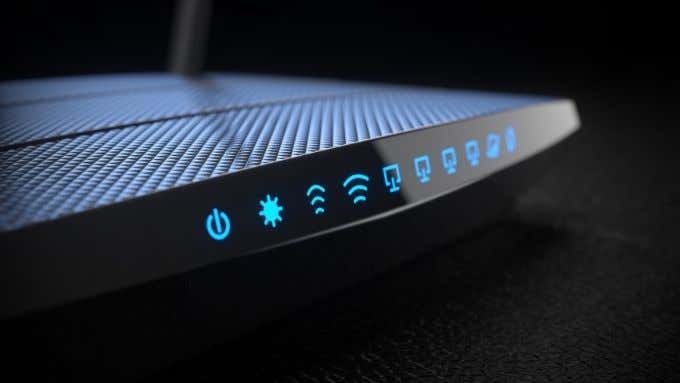
Even if your router’s updated firmware doesn’t handle network performance well, you may have the option of custom firmware. This is firmware written by third party creators that can fix bugs and unlock additional router features and performance. We don’t recommend this to novice users, but if you’re interested in seeing whether your router has custom firmware, check out either DD-WRT or OpenWRT.
Router Quality of Service Settings
Many routers have QoS or Quality of Service settings that let you specify which types of traffic on the network should get priority.

If you want file transfers to your NAS device to always get the bulk of local bandwidth, then you can specify that by logging into your router and modifying the QoS settings. Unfortunately each router has its own unique QoS interface, so you’ll have to consult the manual for your model to learn the specifics.
Network Adapter Speeds and Settings
Each one of your devices on the network has a network interface adapter. That’s the Ethernet adapter or WiFi adapter. The adapters themselves support a particular set of standards. For example, your newest toy may support WiFi 6, but the rest of your network consists of WiFi 4 and 5 devices. Likewise, Ethernet adapters that support 10GBps, 1 Gbps, 100Mbps and even less on old hardware may all be mixed together.

In these cases the lowest common denominator will limit data transfer speeds, causing an overall slow network. But there are situations where the adapter itself could be misconfigured. Your ethernet card may be set to run at 100Mbps when it’s actually capable of faster transfer rates.
Updating Network Drivers
It’s not just your router that can benefit from having updated software. The network interface card in your computer, whether Ethernet or WiFi, will also get driver updates from time to time.
There may also be updates to the manufacturer’s management software, which can help by bringing in new features and settings. Drivers tell your operating system how to “speak” to hardware. In this case a network interface device.
If there are bugs in the driver or developers figure out better ways to manage network traffic, a new driver will bring those improvements to your device.
Updating Network Card Firmware
Network interface hardware also benefits from firmware updates and fixes. Usually the best place to look for these types of updates are on your motherboard or computer manufacturer site. If it’s an integrated device. If it’s a USB device or an expansion card, then rather head over to the specified device’s support page.
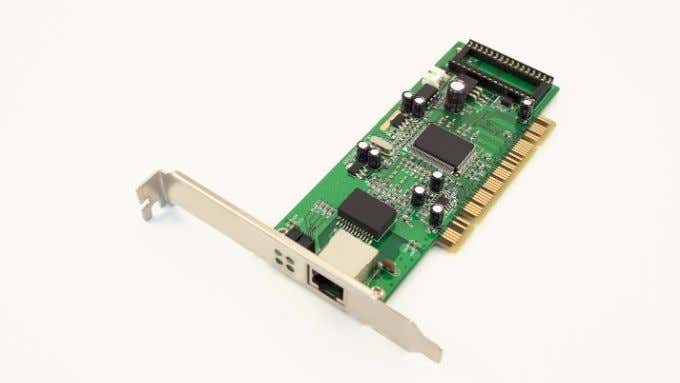
Firmware is the hard-coded internal code that operates the network hardware on the most basic level. New firmware updates are used to patch bugs, improve stability and even add new features to old hardware. All of these might improve network performance.
Update Network Appliances
Our networks now have more than just traditional computers on them. You might have IP cameras, NAS network drives, streaming servers and even a smart fridge or two. Some of these devices might cause congestion or other network performance issues.

So it’s worth checking that their individual configurations are correct, and that they all have their latest software updates. This is one of the reasons you should avoid buying off-brand network devices. They typically don’t get the same fixes and updates gadgets from premium brands do.
Ethernet Cable Types
Your computer and your router both support a specific network speed. Yet, when you copy a file over the network, you get nowhere near peak performance. It’s important to keep in mind that rated speeds are theoretical, tested under ideal lab conditions. Still, the problem might very well be your Ethernet cable.
While Ethernet cables may all look pretty much the same, different categories of cable are made differently. This has a big effect on their performance. They have different levels of shielding, different numbers of cable twists and so on.
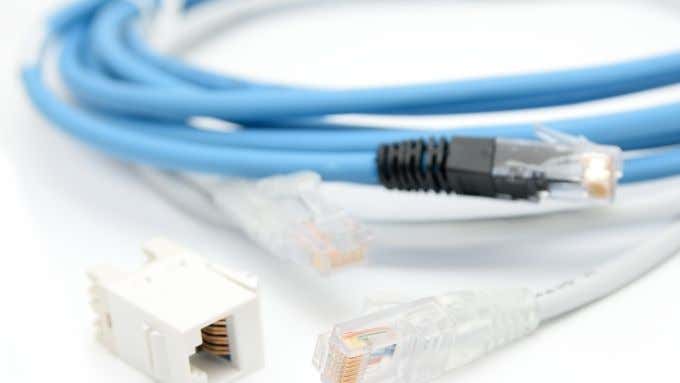
For example, Category 5 Ethernet is rated for 100Mbps. So using it on 1Gbps hardware won’t give you the performance you should be getting. Then again, you’ll often see much higher speeds on higher quality cabling. Category 5e Ethernet is only rated for 125Mbps, but we’ve successfully tested speeds in excess of 500Mbps with such cables, as long as they’re short enough.
The bottom line is that you should make sure that your Ethernet cable categories are appropriate to the speed ratings of the hardware you’re using.
Network Bandwidth Saturation
It used to be that your router would only have to connect a handful of computers together. Now everything in your house wants a piece of the network. Smartphones, game consoles and even modern appliances like smart microwaves want a connection so they can talk to each other and download information from the internet.

Modern routers can easily connect to and manage dozens of devices, but that doesn’t mean there’s infinite bandwidth for all of those devices. If too many devices are pushing data on the network at once, then you’re going to end up with a slow network.
The solution is either to reduce the number of devices competing for bandwidth, split them between wired and wireless connections, or change their settings. The settings that need to be changed will differ from one device to the next. In general you either want to schedule certain types of network operations for night time or disable transfers you don’t need.
Damaged Equipment
It’s usually not the first thing one thinks of, but if you’ve tried everything and your network transfer speeds still aren’t what they should be, consider that your network equipment might actually be damaged. Network cables are the most common culprit. Frayed, twisted or otherwise worn Ethernet cables might still work but can’t shift as many bits as they normally could.

There might also be issues with the ethernet port on your network interface card. For WiFi, check your external antenna. Especially on desktop systems where the antenna is connected using external wires.
Swapping out ethernet cables is one way to check for damage, but using alternative network interfaces, such as swapping between Ethernet and WiFi, can pinpoint faulty equipment.
Fast Enough for You?
So, did any of these tips resolve your slow network issues? Let us know if your network performance issues were resolved. If not, leave a comment describing the situation and if you’re lucky a member of our reader community may have found the solution to your specific problem.
Network issues are always a little frustrating, but if you look for the problems systematically it will probably turn out to be an easier fix than you might have expected.
