How-To
How to Use the Spike Feature in Microsoft Word to Cut and Paste Multiple Text Selections
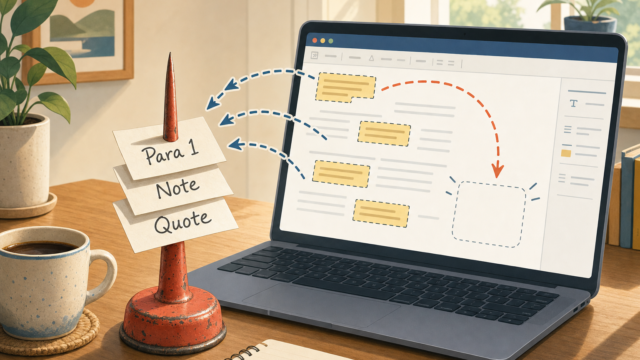
Word's Spike lets you cut multiple text blocks and paste them all at once. Here's how to use it in...
Word's Spike lets you cut multiple text blocks and paste them all at once. Here's how to use it in...
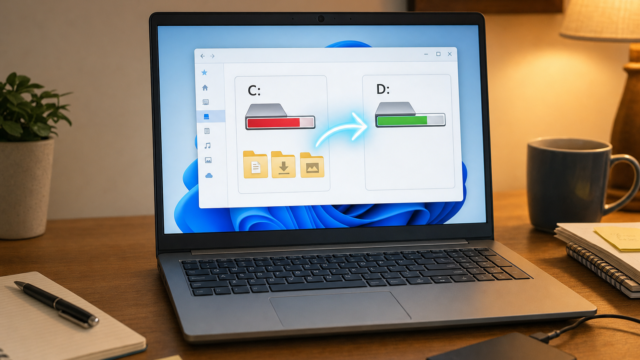
Running out of space on your C: drive? Move Documents, Downloads, and more to another drive in Windows 10/11. Step-by-step...
Learn how to layer objects in PowerPoint using the Selection Pane, Bring to Front, Send to Back, and grouping tools....
Action buttons make PowerPoint slides interactive and non-linear. Here's how to add, configure, and troubleshoot them in Microsoft 365 in...
Too many fonts slowing down your font menus or apps in Windows? Learn how to clean up, hide, reset, and...
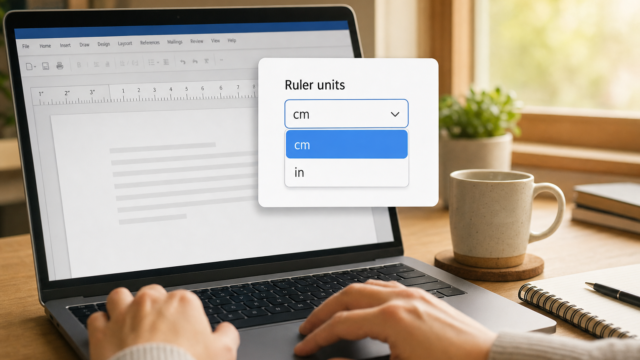
Microsoft Word defaults to inches for rulers, margins, indents, and dialog boxes, but if you need centimeters, millimeters, points, or...
VirtualBox's default Right Ctrl host key missing from your keyboard? Here's how to change it in VirtualBox 6.1 and 7.x...
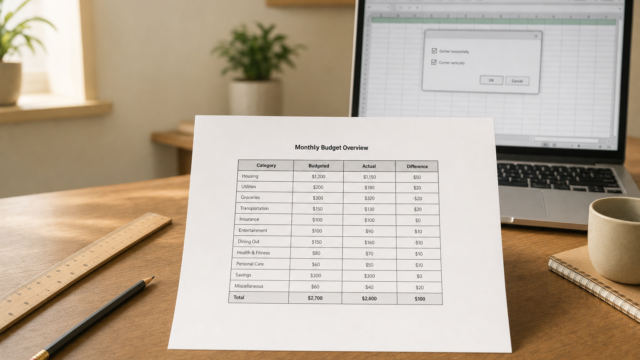
Excel prints in the upper-left corner by default. Here's how to center your worksheet horizontally, vertically, or both before you...
Need placeholder text in Word fast? Type =rand(), =lorem(), or =rand.old() in a blank paragraph and press Enter. Here's exactly...