
How-To · 6 min read
How to Use the FILTER Function in Microsoft Excel
The FILTER function in Microsoft Excel is one of the most crucial functions to master. Without it, you will have…
The FILTER function in Microsoft Excel is one of the most crucial functions to master. Without it, you will have…
Understanding and resolving #NUM errors in Excel is more than a troubleshooting task; it's an essential skill for anyone working…

The Quick Analysis Tool transforms the way you handle data analysis in Excel. This Microsoft Excel feature gives you easy…

Excel's status bar is one of the hidden gems (and an unsung hero) that makes it the default spreadsheet software…

By using the Microsoft Office Developer tab in Word, you can add form controls, manage macros, view add-ins, protect a…

If you’ve been using OneNote for your important note taking, you might need to consider what happens to your notebooks…

Want to delete a Microsoft Word document from your Windows computer? We’ll show you different ways to get it done.…
Typically you combine first and last names in Microsoft Excel using different cells and columns. But what if you need…
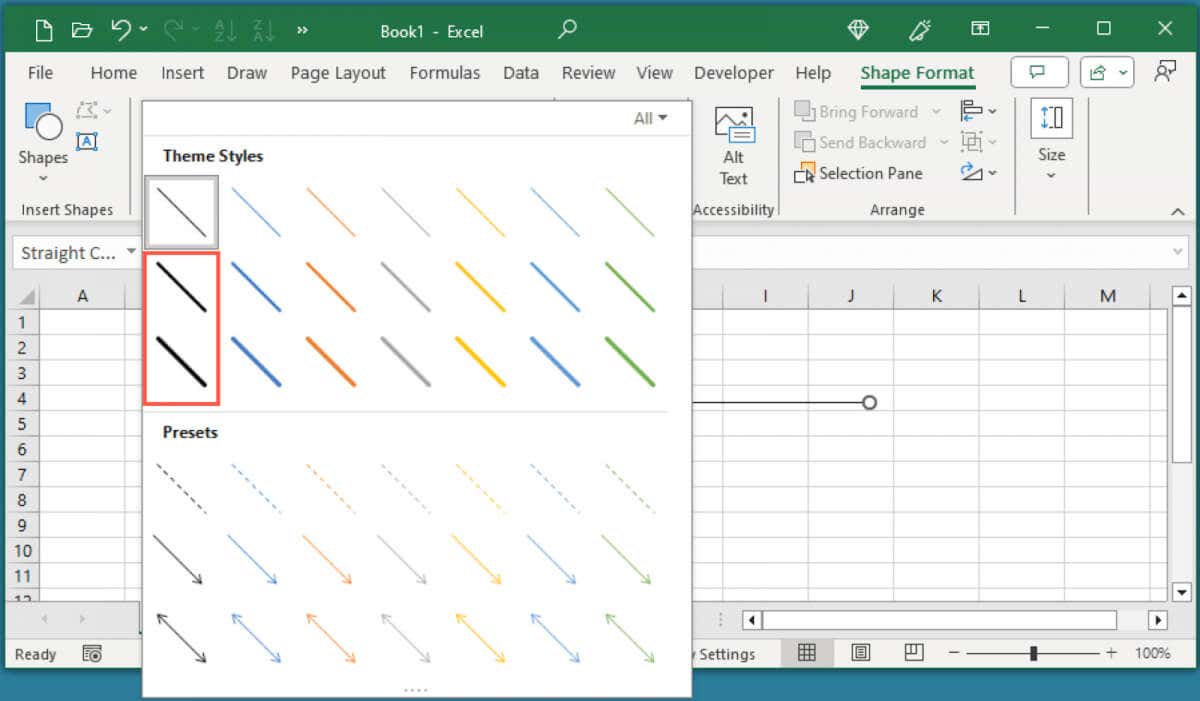
If you want to learn how to bolden lines in Excel, we’ll show you how to add bold border lines,…
Did you know that you can view and restore previous versions of workbooks using the version history in Excel? From…

A PowerPoint table of contents slide can provide structure to your slideshow, enable your audience to understand what’s going on…
Along with the powerful formula features available in Microsoft Excel is the ability to reuse formulas without having to retype…
