How-To · 8 min read
How to Fix #VALUE! Error in Microsoft Excel
If you're often working with formulas in Microsoft Excel, you’ve probably encountered the #VALUE error. This error can be really…
If you're often working with formulas in Microsoft Excel, you’ve probably encountered the #VALUE error. This error can be really…

By using the Microsoft Office Developer tab in Word, you can add form controls, manage macros, view add-ins, protect a…

If you’ve been using OneNote for your important note taking, you might need to consider what happens to your notebooks…

Missing system files and corrupted data can cause Windows Script Host errors, preventing some applications and startup utilities from running.…
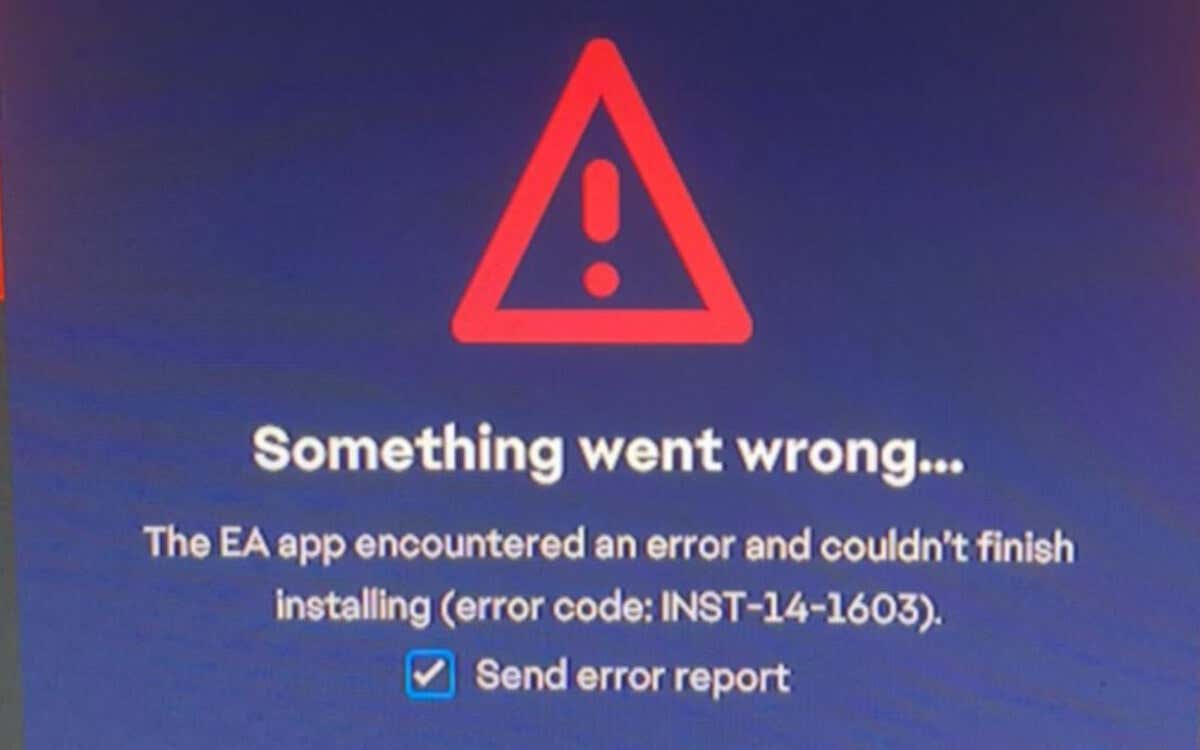
INST-14-1603 is a fatal error code that appears during the final stages of installing the EA App on Windows 10…

Want to delete a Microsoft Word document from your Windows computer? We’ll show you different ways to get it done.…
Typically you combine first and last names in Microsoft Excel using different cells and columns. But what if you need…
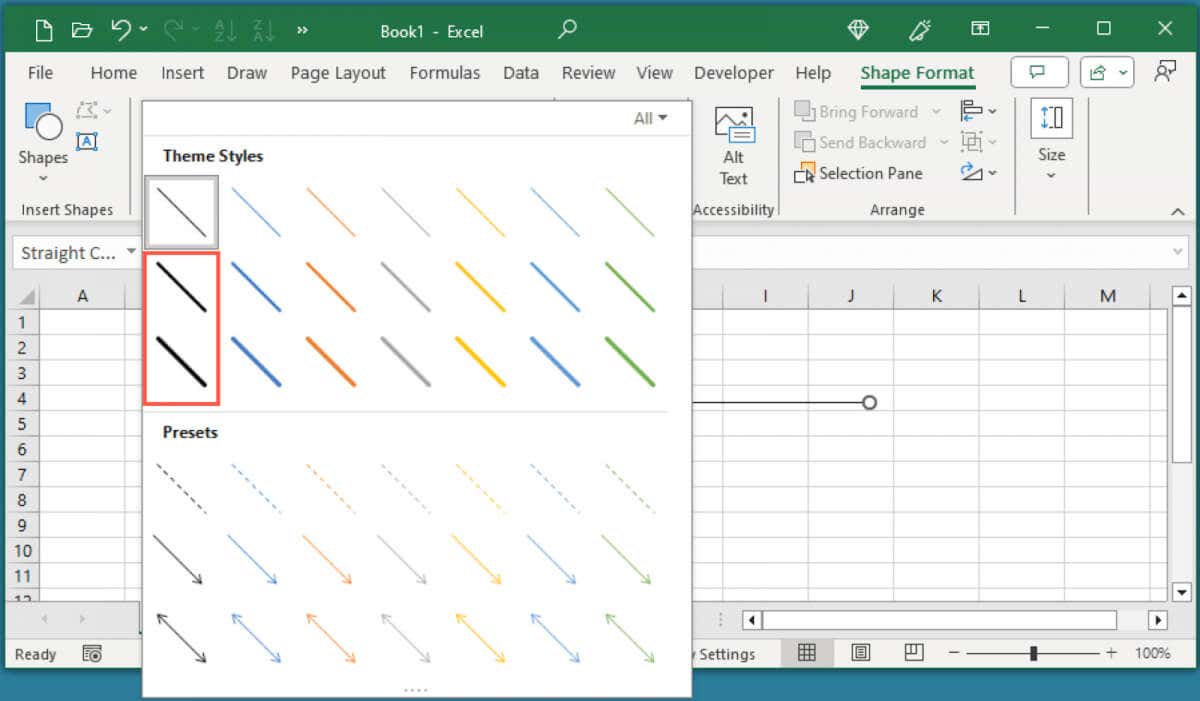
If you want to learn how to bolden lines in Excel, we’ll show you how to add bold border lines,…
Did you know that you can view and restore previous versions of workbooks using the version history in Excel? From…

A PowerPoint table of contents slide can provide structure to your slideshow, enable your audience to understand what’s going on…

If Microsoft Edge is your go-to web browser, you will find it hard not to notice the Bing button on…

Are you facing issues using the Snipping Tool on your Windows 11 or Windows 10 PC? Is the tool not…
Along with the powerful formula features available in Microsoft Excel is the ability to reuse formulas without having to retype…
Counting characters in an Excel cell is a lot easier than you might think. With a few simple formulas, you…
If you want to add minutes to a time notation in Microsoft Excel, there are several ways to do it,…

The Windows Input Experience is a little-known Windows service that often runs in the background. But why is it there,…
