
How-To · 4 min read
How to Check Steam Games Storage Use in Windows 11
With modern video games often requiring tens or even hundreds of gigabytes, installing just a few Steam games on your…
With modern video games often requiring tens or even hundreds of gigabytes, installing just a few Steam games on your…

While downloading specific apps on your Android device, you might find that the Play Store displays a “Your device isn't…
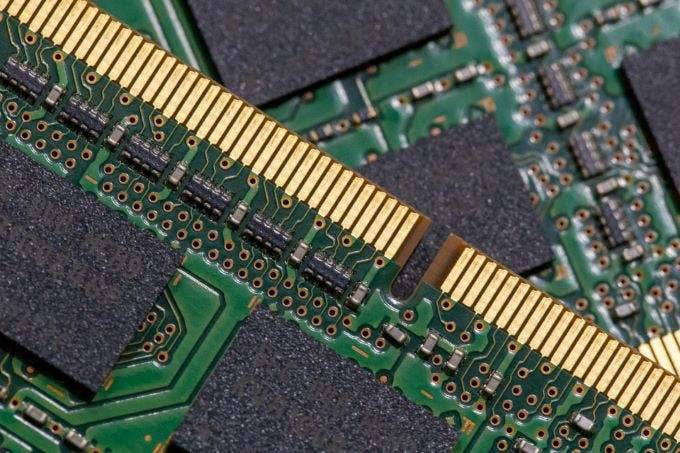
RAM, or random access memory, is used to allow programs to boot more quickly and carry out tasks in a…

Facebook isn't everyone's go-to social network as it once used to be. Still you probably have pictures, contacts, and information…

Imagine trying to log into your Windows 11 PC only to find your desktop is gone, your files are missing,…

The clock is ticking for Windows 10 users! On October 14, 2025, Microsoft will end support for Windows 10, meaning…

There are many reasons you might need to access your router’s settings: from changing the WiFi network name (SSID) or…

In recent years, large language models (LLMs) have become increasingly popular for their ability to generate human-like text and assist…
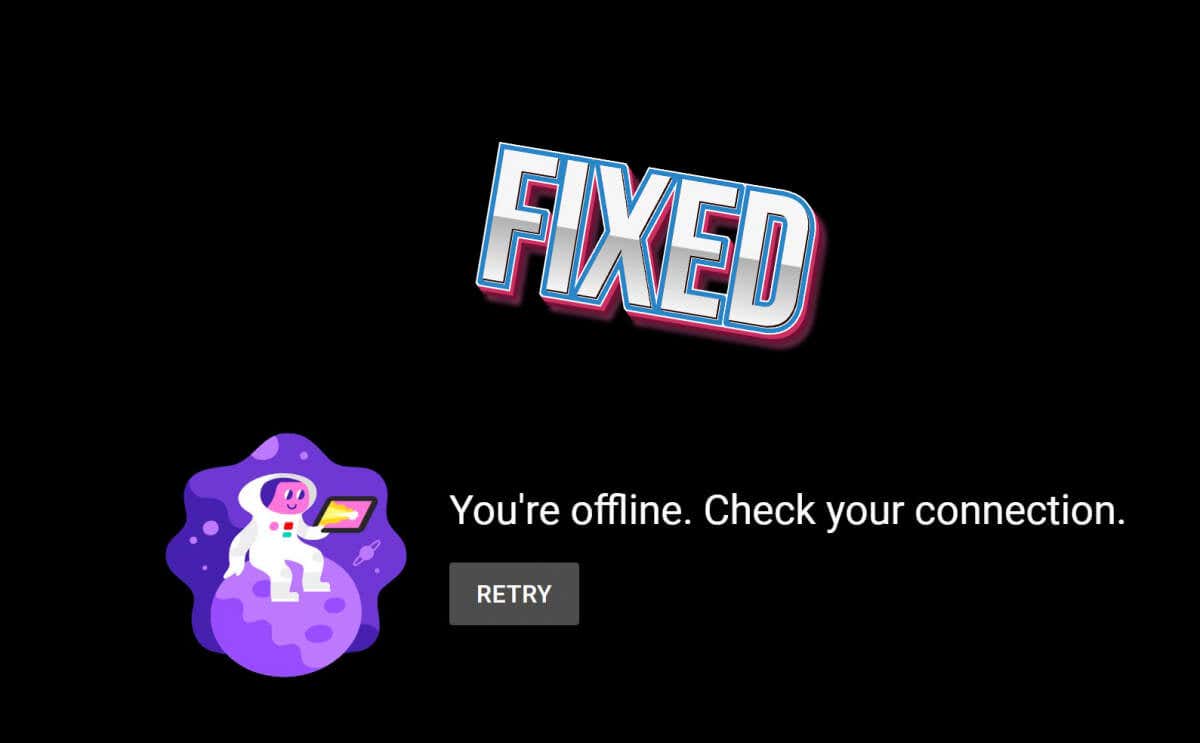
YouTube is the most popular platform for watching and uploading videos, but it’s not entirely free of glitches and bugs.…

Do you see a yellow border around your screen when you share your screen with Discord? A third-party app may…

The point of social media platforms like Facebook is to share content with your friends. On Facebook, some content is…
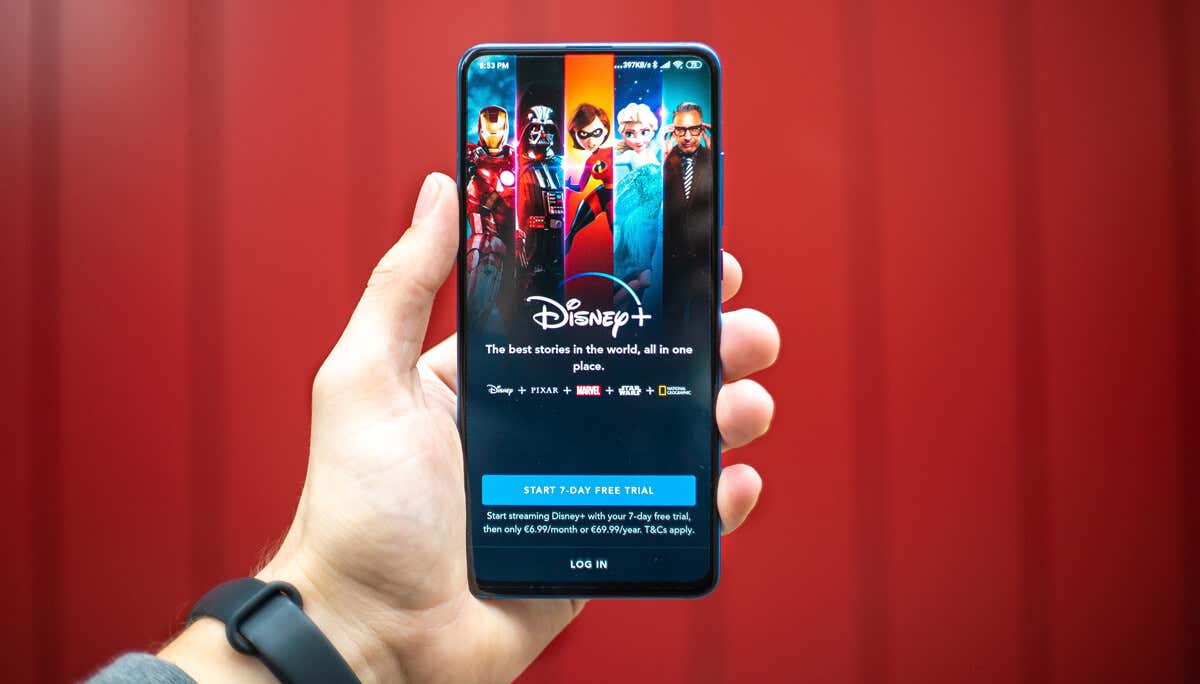
Discord now provides users with the ability to host streaming parties using popular streaming services including Netflix and Disney Plus.…

Netflix has a vast library of content to stream, from the latest movies to classic shows, documentaries, animation, and more.…

Power failure, a loose or broken USB connection, and hardware damage can cause your Fire TV device not to turn…
Are you getting a "Something went wrong" error while trying to access the Spotify app on your Windows PC? If…
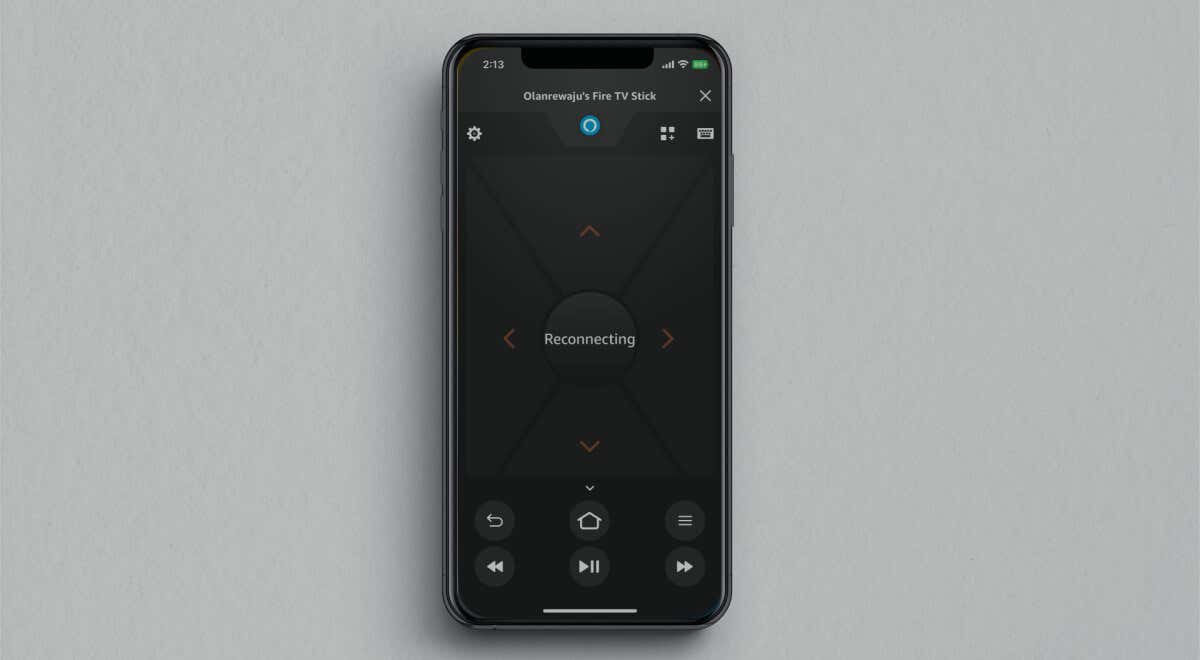
The Fire TV remote app lets you control any Fire TV streaming device from your smartphone. The app is easy…
Imagine trying to log into your Windows 11 PC only to find your desktop is gone, your files are missing,…
The clock is ticking for Windows 10 users! On October 14, 2025, Microsoft will end support for Windows 10, meaning…
There are many reasons you might need to access your router’s settings: from changing the WiFi network name (SSID) or…

If you're not on the AI train yet, now's a good time to hop on! This isn't some passing tech…