

Windows 7 Articles


 Jul 1st, 2021 by
  May 6th, 2020 by
  Feb 10th, 2020 by
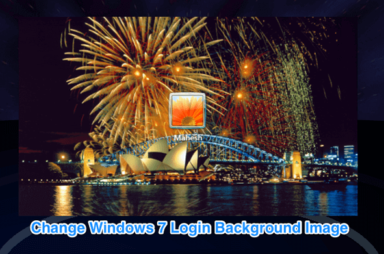
How To Change The Windows 7 Login Screen Background Image
A good way to brighten your morning
The default login screen in Windows 7 looks just as good as any other screen, but in case you don’t like it for some reason, you can have it changed. […]

How To Clear The Windows Memory Cache
Without having to reboot your computer
Rather than running software directly from your hard drive, Windows temporarily stores some of the related data in your system memory. This gives you the benefit of speed—switching back to […]


How to Edit the Hosts File in Windows
Can be useful for anyone in IT
The hosts file is a text-based file located in the same place in all modern Windows versions. Most people don’t ever need to get into it, but if you do, […]

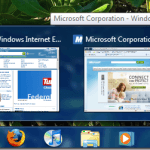
Windows 7 Taskbar Not Showing Thumbnail Previews?
If these don't fix it, it's time to upgrade
One of the nice features of Windows 7 is that the taskbar shows a nifty thumbnail preview of a window or group of windows when you hover over it. So […]

Geekiest Windows Accessory: the Math Input Panel
Starting with Windows 7, Microsoft has included a new tool called the Math Input Panel, which is by far the geekiest program included in Windows by default. The old champ […]
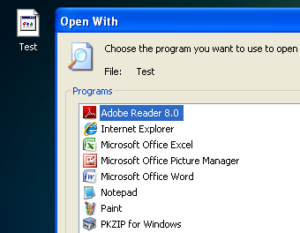
How to Batch Change File Extensions for Windows Files
Recently, I came across a problem where I had to change the file extension on a bunch of Windows files from no extension to .JPG. Someone sent me a large […]
How to Kill or Close All Running Programs in Windows Quickly
Looking for a free Windows utility that you can use to quickly close all programs currently running in Windows? This can be quite useful, for example, when you have to shutdown […]
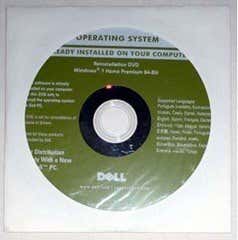
Lost Windows 7 Install Disc? Create a New One From Scratch
It's actually quite easy to do
If you’ve misplaced your Windows 7 install disc, which may be the actual discs that came with your PC or a retail Windows 7 install disc that you bought separately, […]
Create a Custom Windows 7 Install Image
The easy way with way less hassle
Creating a customized Windows 7 image can be accomplished using a few different methods and Microsoft even supplies some tips for creating unique and custom Windows 7 deployments. However, many […]
Fix Windows Explorer Window Opening on Startup
6 solutions to a very annoying problem
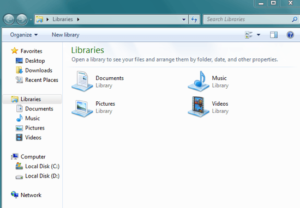
I recently ran into a really annoying problem on my Windows 7 64-bit PC: every time I restarted it and booted into Windows, the Windows Explorer Libraries window would pop […]
Remove Dotted Border Around Icons on Windows Desktop
You will be glad that you did
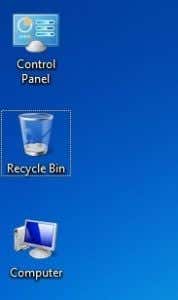
Have you ever noticed that sometimes Windows will give your desktop icons a dotted line border? It’s really annoying and definitely doesn’t look good with the neat and sleek Aero […]
Fix “Windows Anytime Upgrade was not successful” Error
There's a very specific reason for this problem
One of my clients ran into a problem when they were trying to upgrade from Windows 7 Home Premium to Professional using the Windows Anytime Upgrade tool. Instead of it […]
Unable to Pin Programs to Taskbar in Windows 7?
You may have accidentally deleted something
So I ran into an interesting problem the other day when I tried to pin a program to the Windows 7 taskbar. Usually, I just right-click on the open application […]
Windows 7 Screensaver and Power Options Not Working?
It could be because of several different things
I’ve had my share of problems with Windows 7, but I still use it regularly along with my MacBook Pro. One new problem that creeped up recently has to do […]
Fix Audio Static Crackling Popping with Realtek Sound Card
It's actually a pretty tricky problem
If you have a Windows 7 machine with a Realtek sound chipset or drivers, then you may have run into a problem where you randomly hear crackling or popping or […]

How to Combine Two Images/Pictures without Photoshop
Once you get the hang of it, it's easy
Recently, I had a situation where I wanted to send someone a picture, but I wanted it to be a combination of two pictures. Sending the pictures separately would not […]
Windows 7 Switch User Disabled or Greyed Out?
We'll give you a registry hack to make it work
A client of mine recently had a strange problem in Windows 7 where he could not switch between users using the normal procedure. By default, if you click Start, then […]